
Guides for selling in person
Practical guides on point of sale, Stripe Terminal, in-person donations with GiveWP, and taking card payments with WooCommerce or on their own.
Most useful guides

10 Top WooCommerce POS Plugins for Your Business
Ten WooCommerce POS plugins compared on pricing, card readers and features, with links to side-by-side comparisons.

WooCommerce In-Person Payments: Your Options and How to Set Them Up
Three ways to take in-person payments with WooCommerce, from the Woo app POS to Jovvie Checkout and a full POS, with US [...]
How to integrate Stripe with WooCommerce: online payments and Stripe Terminal setup
Connect Stripe to WooCommerce for online payments, then extend the same account to in-person sales with a Stripe Terminal reader.
GiveWP Offline Donations Explained (And How to Actually Charge a Card in Person)
What GiveWP offline donations actually record, why they can't charge a card, and how to take real card donations in person at [...]
Point of sale
Choosing and running a point of sale for WooCommerce or on its own.

Multi-Location POS with Stripe Terminal Locations API
How do you run a multi-location POS on Stripe Terminal? The full chain architecture: Locations, reader binding, per-location [...]

Best Salon POS Systems in 2026: 8 Top Options Compared
Choosing the right Point of Sale (POS) system is the biggest infrastructure decision a salon owner can make [...]

Best POS Systems for Coffee Shops Compared
In an ideal world, running a coffee shop would be all about connecting with your community over a [...]

Best POS for WooCommerce Real-Time Sync and Reporting
Running a retail business isn’t easy. Whether you’re managing a busy fashion boutique, coordinating seasonal pop-up shops, or [...]
Best POS Systems for Small Business Compared
Need a better way to handle sales and manage your small business? The right Point of Sale (POS) [...]

Event POS Systems: Manage Offline and Mobile Sales
Running events is exciting, but a failing Point of Sale (POS) system can quickly turn that excitement into [...]
Payments
Card readers, tips, processors and PCI for taking payments with WooCommerce, in person and online.
4 Best Card Readers For WooCommerce POS Solutions
Do you want to accept credit cards and digital payments from your WooCommerce point of sale (POS) system? [...]
How to Add Tips at Checkout in WooCommerce (Online and In-Person)
Looking for a way to add tips at checkout in WooCommerce? Although there are a number of checkout [...]
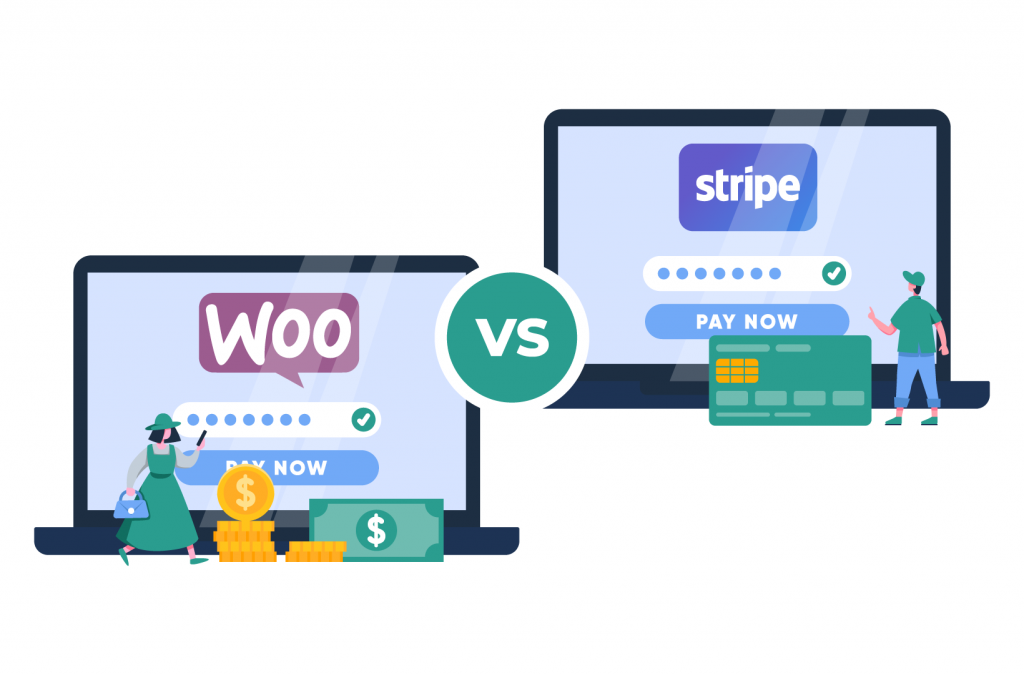
WooPayments vs. Stripe for WooCommerce: Fees and In-Person Payments Compared
WooPayments and Stripe cost the same for US online cards. Here's how they differ for international cards, in-person [...]

Master Square with WooCommerce Integration
Are you looking for an easy way to integrate a point of sale (POS) solution into your WooCommerce [...]
WooCommerce PCI Compliance Guide for Store Owners
WooCommerce is not PCI compliant by itself – the responsibility for PCI compliance lies with you as the [...]

How to Efficiently Set Up Stripe Checkout in WooCommerce
Offering a seamless payment experience is crucial for the success of eCommerce businesses. Stripe, a globally renowned payment [...]
Stripe Terminal
Run your counter on Stripe Terminal: readers, setup, pricing and guides by industry.

Stripe Terminal vs Toast: An Honest Restaurant Comparison (2026)
Stripe Terminal vs Toast compared honestly for restaurants: real 2026 pricing, contract lock-in, and how to build the [...]
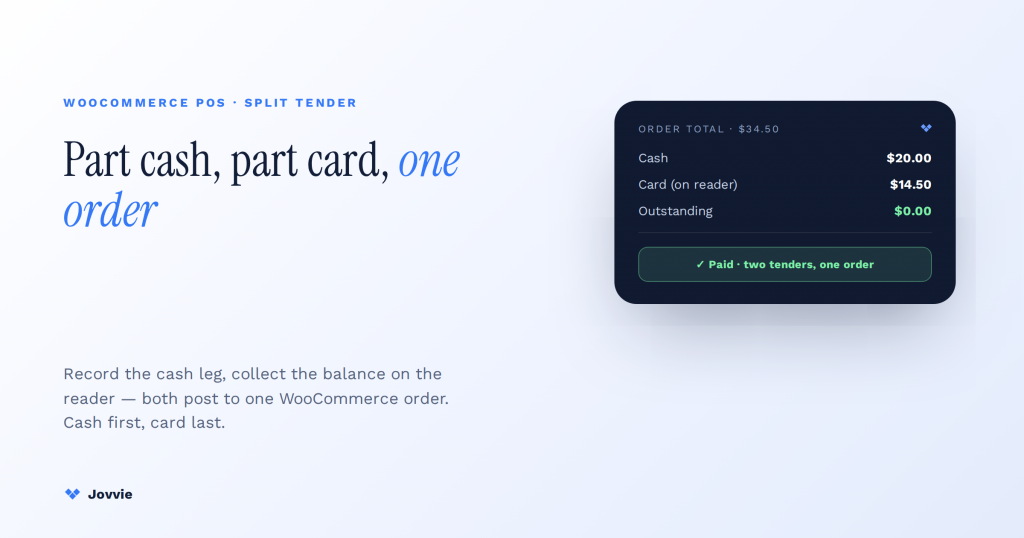
Split Payments in WooCommerce with Stripe Terminal: The Split-Tender Guide
Yes — a WooCommerce POS on Stripe Terminal can take part cash and part card on one order. [...]
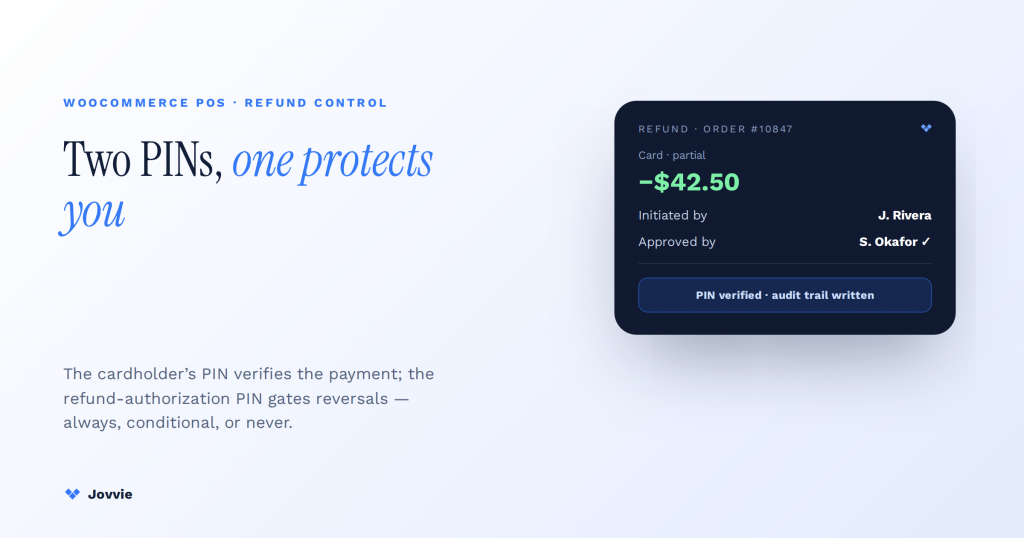
Refund Policies and PIN Authorization in a WooCommerce POS
How refund PINs work in a WooCommerce POS: the two meanings of PIN, configurable refund-authorization modes (always, conditional, [...]
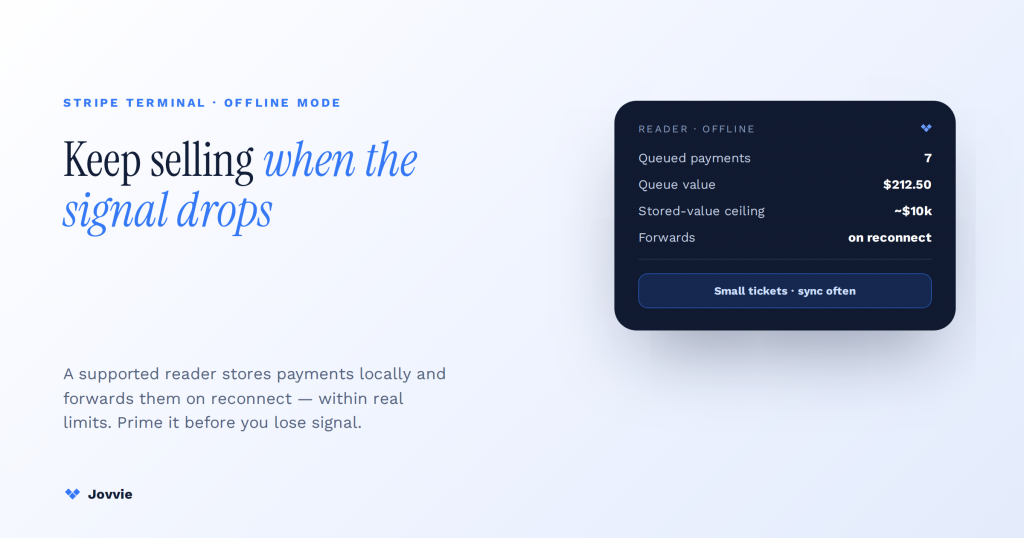
Stripe Terminal Offline Mode: Limits & Workarounds (An Operator’s Field Guide)
Does Stripe Terminal work offline? Yes — it stores payments locally and forwards them on reconnect, within real [...]
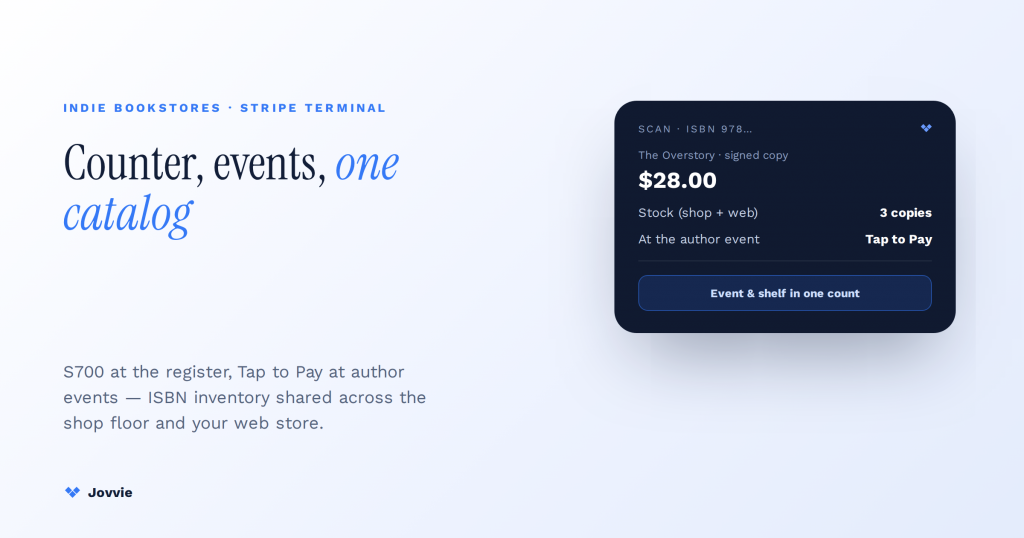
How Do Indie Bookstores Use Stripe Terminal? Counter, Author Events, and ISBN Inventory
How do indie bookstores use Stripe Terminal? A reader at the counter, Tap to Pay or an S710 [...]
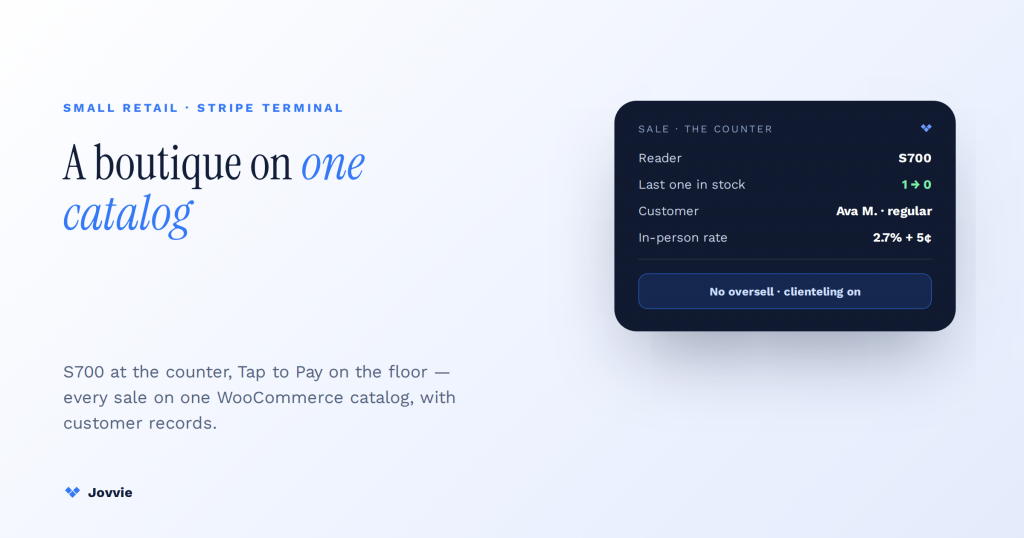
Stripe Terminal for a Boutique: The Best Setup for Small Retail
What's the best Stripe Terminal setup for a boutique? The reader, the catalog, and the customer records — [...]
GiveWP and donations
Take donations in person with GiveWP: events, churches, kiosks and recurring gifts.
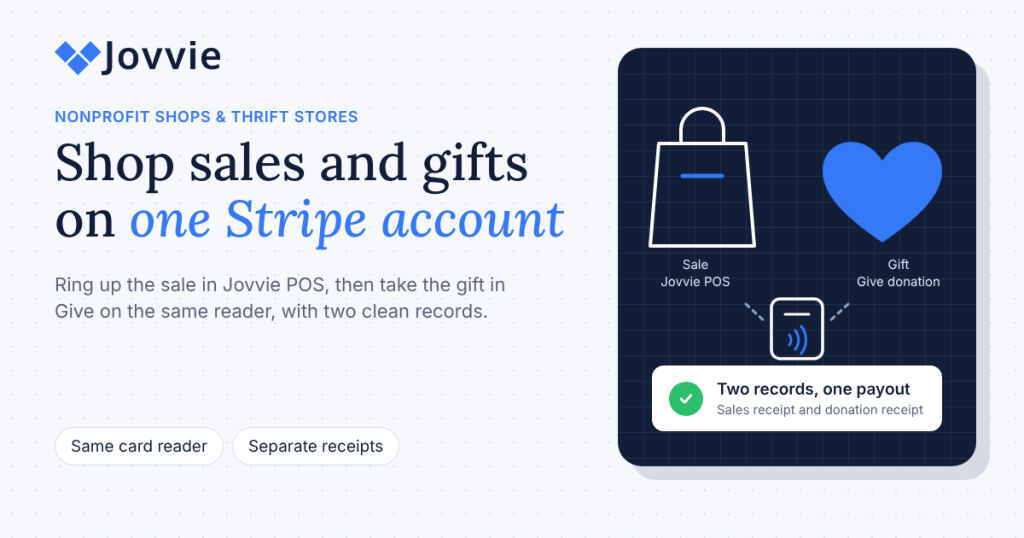
Nonprofit Gift Shops and Thrift Stores: Sales and Donations on One Stripe Account with Jovvie
Nonprofit thrift store POS guide: ring up shop sales in Jovvie POS and take gifts in Give on [...]
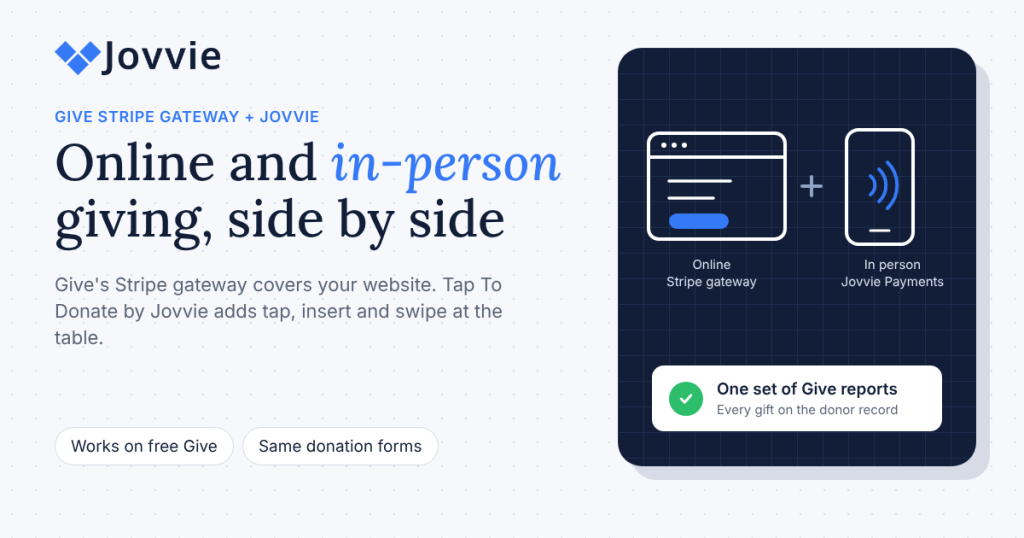
GiveWP Stripe Gateway vs Tap To Donate by Jovvie: Which Do You Need?
GiveWP Stripe in person, explained: Give's Stripe gateway takes online gifts; Tap To Donate by Jovvie adds card-present [...]
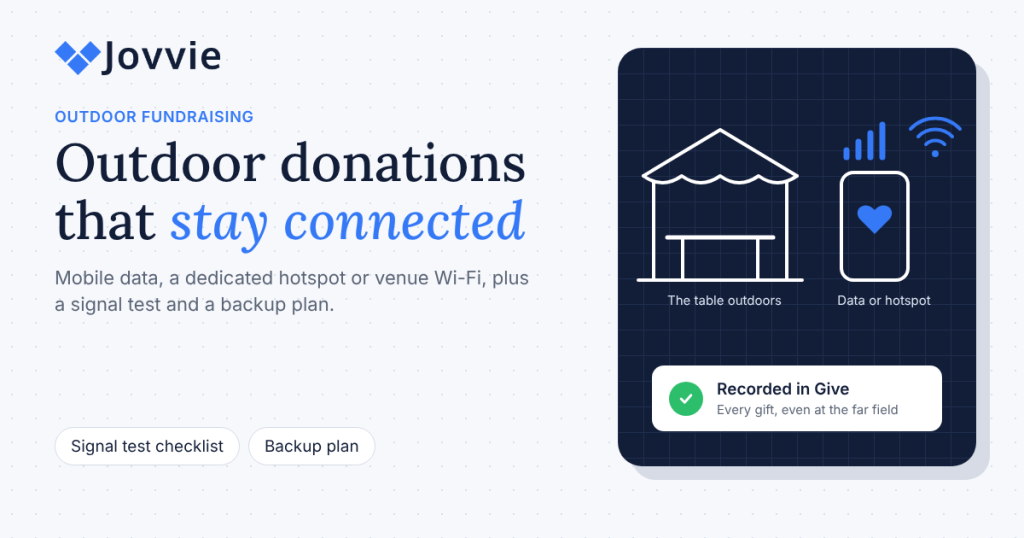
Taking Donations at Outdoor Events: Wi-Fi, Mobile Data and Hotspots
Outdoor fundraising card reader guide: how to take card donations with weak Wi-Fi using mobile data or a [...]

School, PTA and Booster Club Fundraising with GiveWP
PTA fundraising card reader guide: take card donations at games, carnivals and auctions with Tap to Pay or [...]
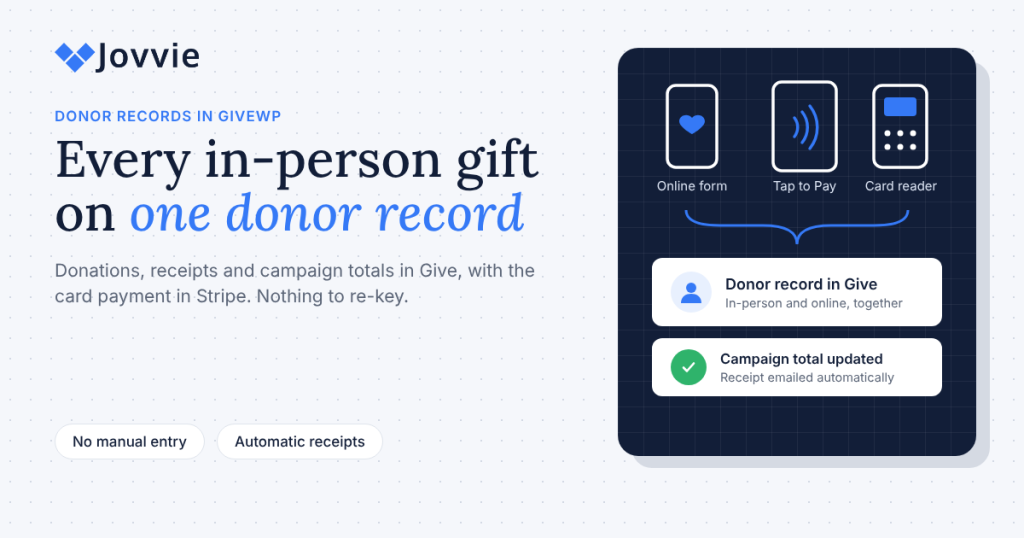
Recording In-Person Donations in GiveWP: Donor Records, Receipts and Campaign Reports
GiveWP donor records for in-person gifts: how card donations land on donor profiles, receipts and campaign reports, plus [...]
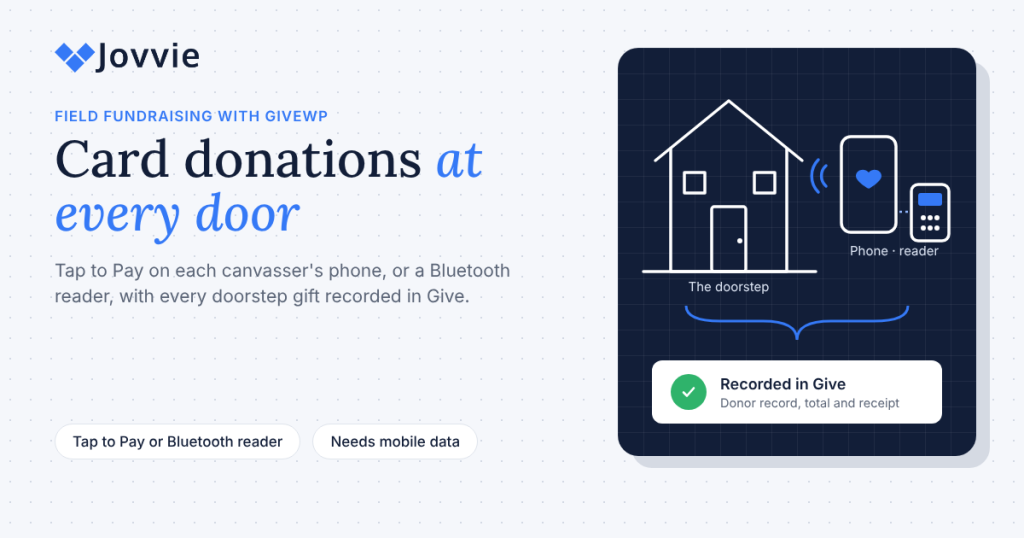
Door-to-Door and Peer-to-Peer Fundraising: Taking Card Donations in the Field
Door to door fundraising card reader guide: use Tap to Pay or a Bluetooth reader on each canvasser's [...]
Industry guides
How shops, restaurants, salons and other businesses sell in person.
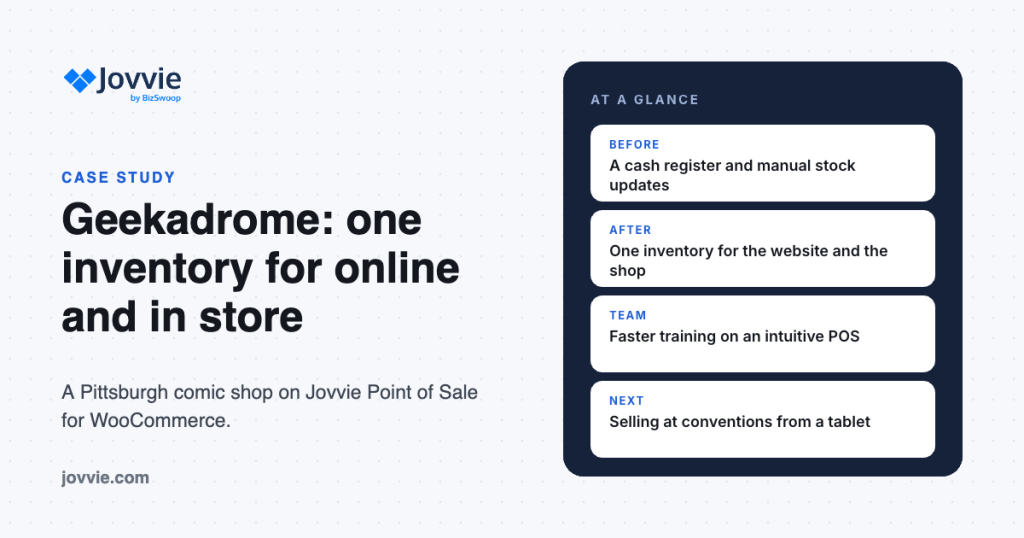
Geekadrome Levels Up: How Jovvie Simplified POS and Inventory for a Pittsburgh Comic Shop
How Pittsburgh comic shop Geekadrome replaced a cash register and manual stock updates with Jovvie, and now runs [...]
How Do Indie Bookstores Use Stripe Terminal? Counter, Author Events, and ISBN Inventory
How do indie bookstores use Stripe Terminal? A reader at the counter, Tap to Pay or an S710 [...]
Stripe Terminal for a Boutique: The Best Setup for Small Retail
What's the best Stripe Terminal setup for a boutique? The reader, the catalog, and the customer records — [...]
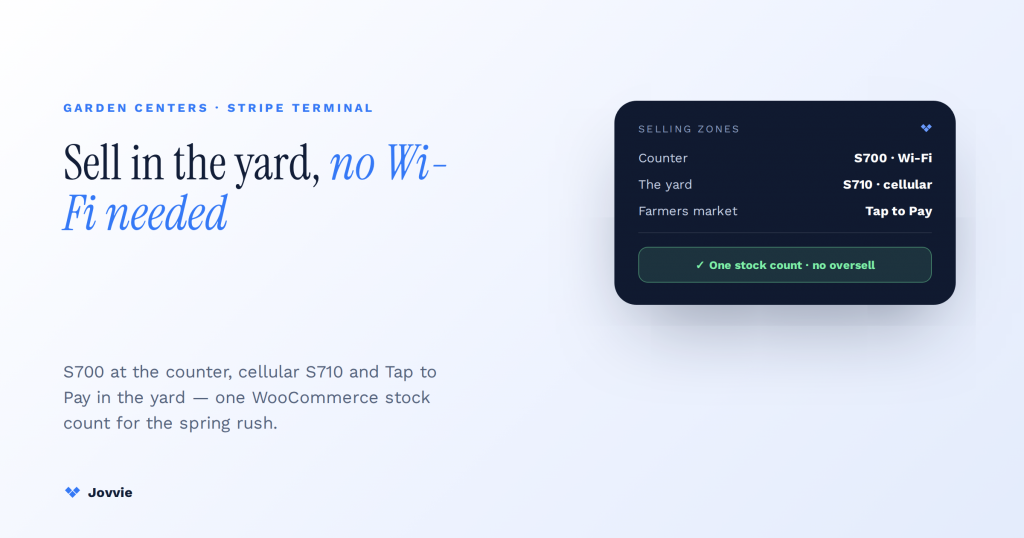
Can a Garden Center Use Stripe Terminal? Setup, Hardware, and the Honest Fit
Can a garden center use Stripe Terminal? Yes — S700/S710 at the counter, Tap to Pay in the [...]

Stripe Terminal for Hotels: Running the Front Desk
Can Stripe Terminal run a hotel front desk? Yes — check-out payments, incidental holds, and incremental authorizations. The [...]

Pop-Up Shop Setup with Stripe Terminal: The Quick-Deploy Kit
What's the best Stripe Terminal setup for a pop-up shop? A quick-deploy kit — reader choice, WooCommerce catalog [...]
Guides and tutorials
Step-by-step setup guides for Jovvie, WooCommerce and Stripe.
How to integrate Stripe with WooCommerce: online payments and Stripe Terminal setup
Connect Stripe to WooCommerce for online payments, then extend the same account to in-person sales with a Stripe [...]

9 Best POS Systems For iPad
An iPad POS system turns your tablet into a full point of sale terminal. You can accept card [...]

Best Barcode and QR Code Scanner Plugins for WooCommerce
Looking for the right WooCommerce barcode scanner plugin to improve your business operations? Barcode scanning technology has become [...]

How to Set Up a Restaurant POS System with WooCommerce
Many restaurateurs struggle with handling payment processing and Point-of-Sale (POS) management. To simplify these tasks, a restaurant needs [...]
How to Set Up a Synchronized WooCommerce POS System
How to connect a POS to WooCommerce so online and in-store sales share one stock count, step by [...]
10 Top WooCommerce POS Plugins for Your Business
Ten WooCommerce POS plugins compared on pricing, card readers and features, with links to side-by-side comparisons.
Comparing point of sale options?
Side-by-side comparisons of Jovvie and other WooCommerce POS options, with prices, card readers and who each one fits. Each lists its sources.
See all comparisonsTry Jovvie on the device you already have.
Your first 25 orders are free. No card to start.