
Take payments in person, on the checkout you already use.
Jovvie Checkout adds in-person card payments to WooCommerce, Give, Gravity Forms, Event Tickets or your own app. Keep your checkout exactly as it is, then take the card with a tap on a phone or a card reader.
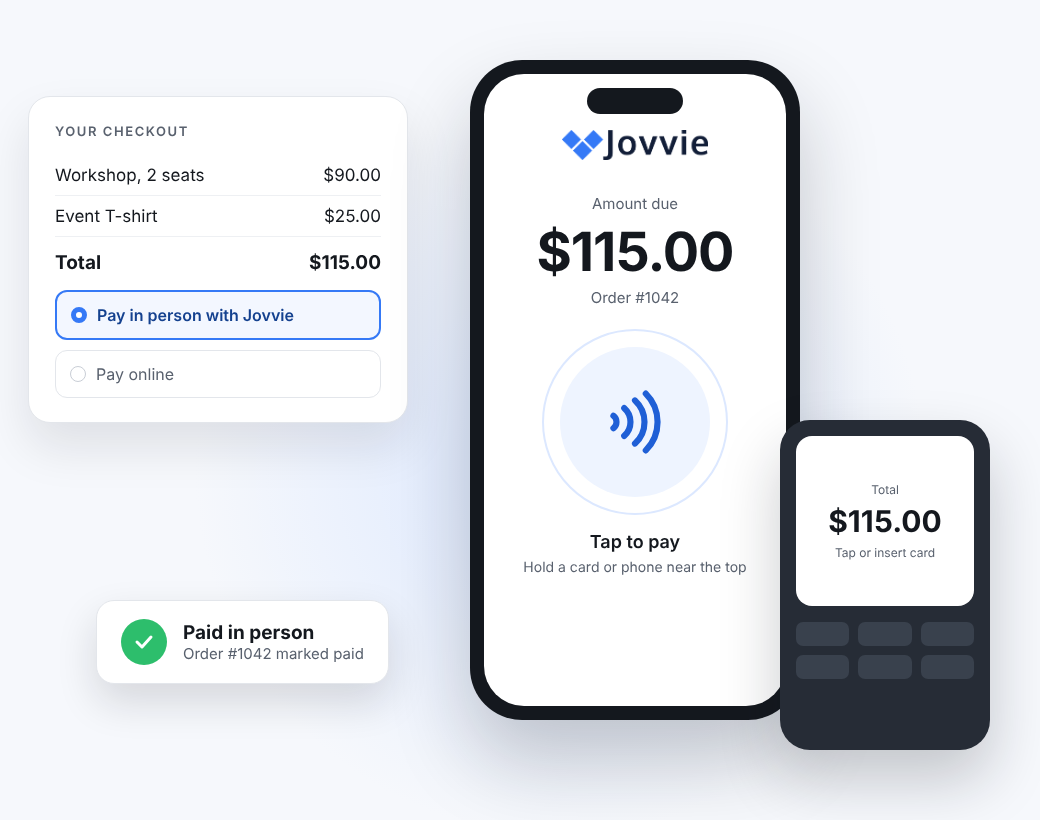
Works with the app you already use
Each app has its own free Jovvie plugin. Install it, connect Stripe and take your first payment the same day.




Also on WooCommerce checkouts: Orderable · Barn2 Fast Cart. Not sure? Ask us.
Three steps. Nothing new for staff to learn.
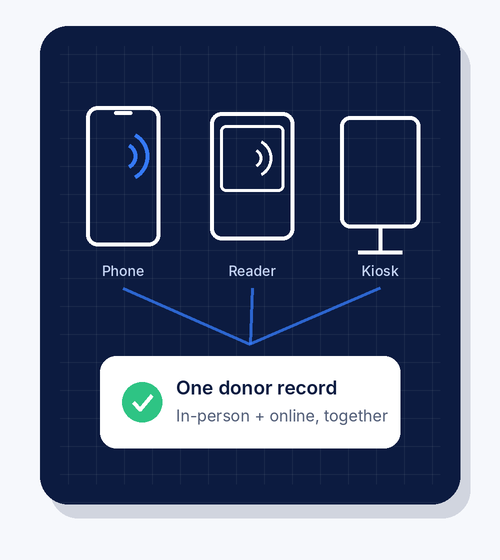
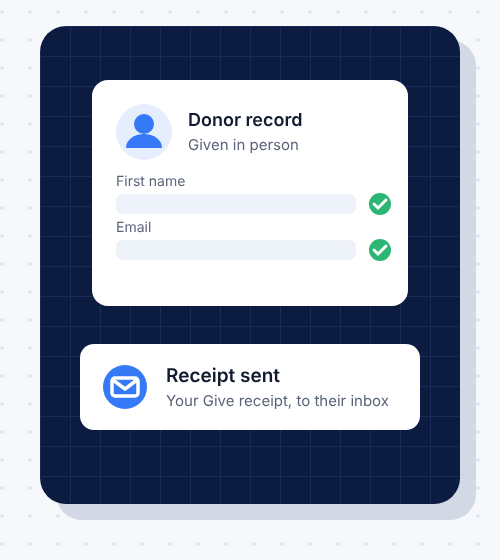
Start with the phone in your pocket
Works with Stripe readers, including the T600, and Verifone. On smart readers the Jovvie app runs right on the device. Custom integrations can also use NMI terminals. See supported readers.
Vibe code the app you love. Leave in-person payments to us.
Whether you’re building with Lovable, Base44, Claude Code or ChatGPT, payments are the part you don’t want to improvise. Build your app around Jovvie and you get a trusted way to take cards in person from a Stripe Partner since 2020: the readers, the secure payment page and payouts to your own Stripe or NMI account.
Your AI assistant can read our docs directly. Point it at docs.jovvie.com/llms.txt and it gets every page, written to be followed step by step.
It fits the stack your tools generate: a REST API, with PHP and Node.js libraries built on it.
Building for a client or your own app?
Add the same in-person payments to any platform with the Jovvie REST API, or the PHP and Node.js libraries built on it. You get the payment page, the card readers and the merchant’s own Stripe or NMI account. Your app keeps the order. The ready-made plugins above work the same way.
# Install (Stripe)
composer require bizswoop/jovvie-payments
# NMI: composer require bizswoop/jovvie-payments-gateway
// Create a payment for an order
$payment = $client->payments()->createOneTimePayment(
    2500, 'usd', 'Order 1042',
    $returnUrl, $cancelUrl
);
// Send staff to the Jovvie payment page
$checkoutLink = $payment->generatedData->checkoutLink;
Questions people ask first
Does Jovvie Checkout work with my app?
There are ready-made plugins for WooCommerce, Give (GiveWP), Gravity Forms and The Events Calendar’s Event Tickets. For anything else, including apps built with AI tools, a developer can connect it with the Jovvie REST API or the PHP and Node.js libraries.
Do I need to buy a card reader?
No. Tap to Pay turns a supported iPhone or Android phone into the reader. Add a card reader later for busy counters or chip and PIN.
Where does the money go?
To your own account, never to Jovvie. The ready-made plugins use Stripe, so payouts arrive on your usual Stripe schedule. If you build your own integration, you can use Stripe or an NMI merchant account, and NMI payouts go to the bank account on that merchant account.
Can staff or volunteers take payments without a login?
Yes. Connect a shared or kiosk device once, or give staff an Access PIN. Nobody needs an admin login.
How much does Jovvie Checkout cost?
Every Jovvie Checkout plugin is free, with no monthly fee or contract. You only pay a small platform fee on in-person payments, plus your processor's rate (Stripe, or NMI on custom integrations). See Jovvie pricing for the current rates.
Is it secure?
Yes. Card details go from the reader straight to the processor (Stripe, or NMI on custom integrations), never into your site, your app or your code. Jovvie has been a Stripe Partner since 2020.
Which countries does it work in?
With Stripe, everywhere Stripe Terminal is available: 40 countries, including the US, Canada, the UK, Australia and most of Europe. Building on NMI? Ask us about your region.
Does it work without internet?
No. The phone or reader needs Wi-Fi or mobile data so each payment can be authorized.
Is this the same as Jovvie Point of Sale?
No. Checkout keeps your existing checkout. Point of Sale is a full register with products, a cart and cash management.