
Take Give donations in person.
Tap To Donate for Give by Jovvie adds Tap to Pay, Stripe card readers and a self-serve kiosk to the Give (GiveWP) forms you already use. Every in-person gift lands in the same campaign, donor record and receipt flow as your online donations.
Rather be walked through it? Book a free setup session with our team.
Free plugin and free Jovvie account. Works with the free Give plugin, no paid Give plan required. Donations process through your own Stripe account. Online Give donations are unaffected.


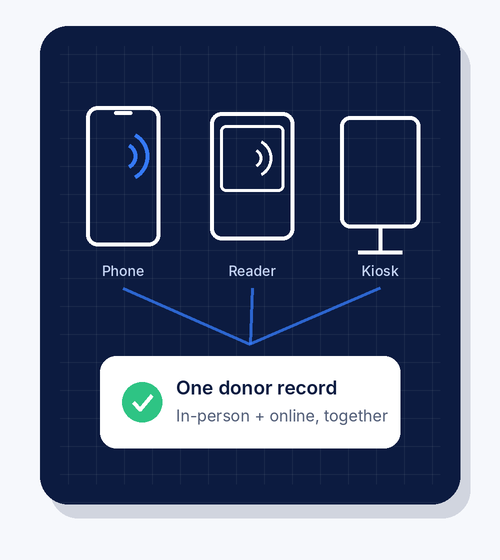
One donor database, online and in person.
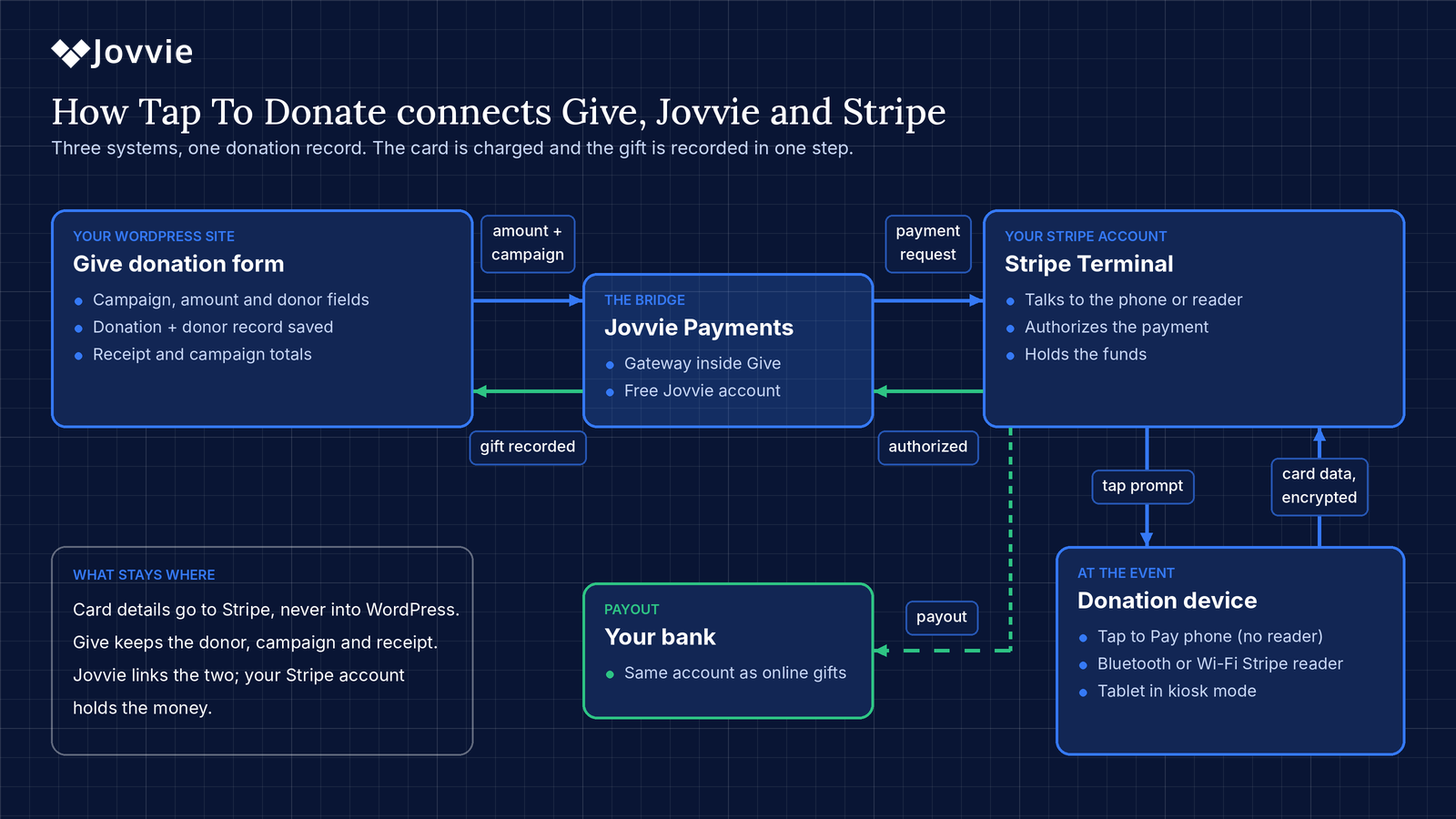
Give (formerly GiveWP) is built for online giving. Tap To Donate for Give by Jovvie adds a Jovvie Payments gateway, so the same Give forms can take card-present donations at galas, services, festivals, lobbies and doorsteps.
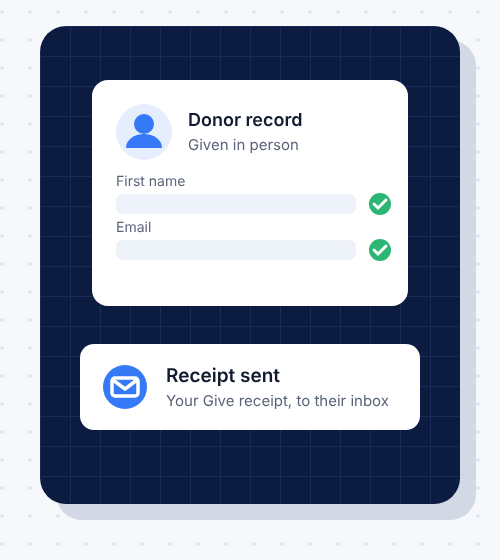
There’s no second platform and no second donor list. Each in-person gift is recorded in Give and in Stripe next to your online donations, with the donor record, campaign total and receipt intact.
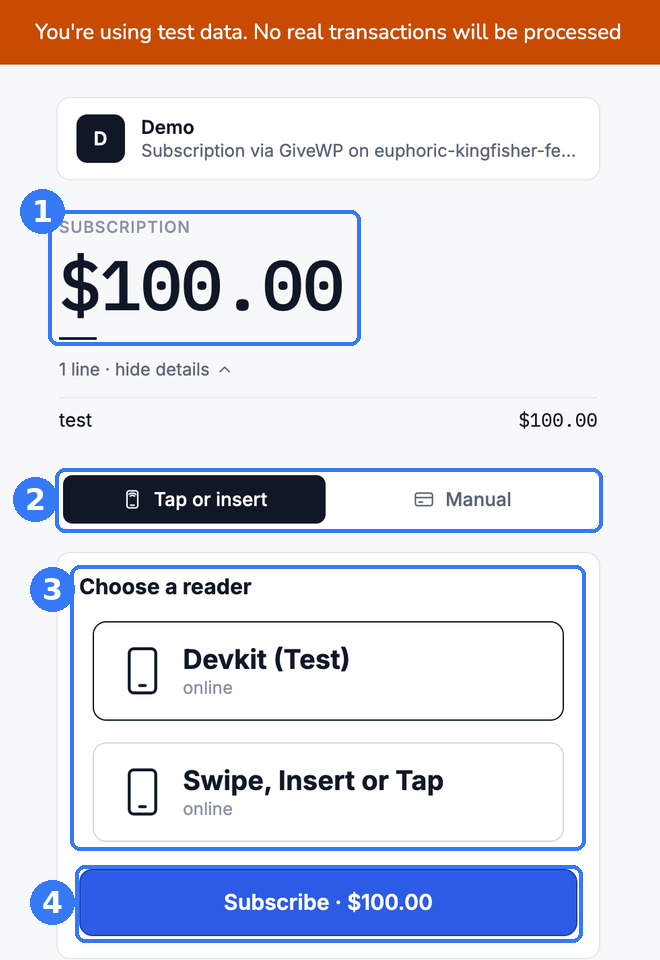
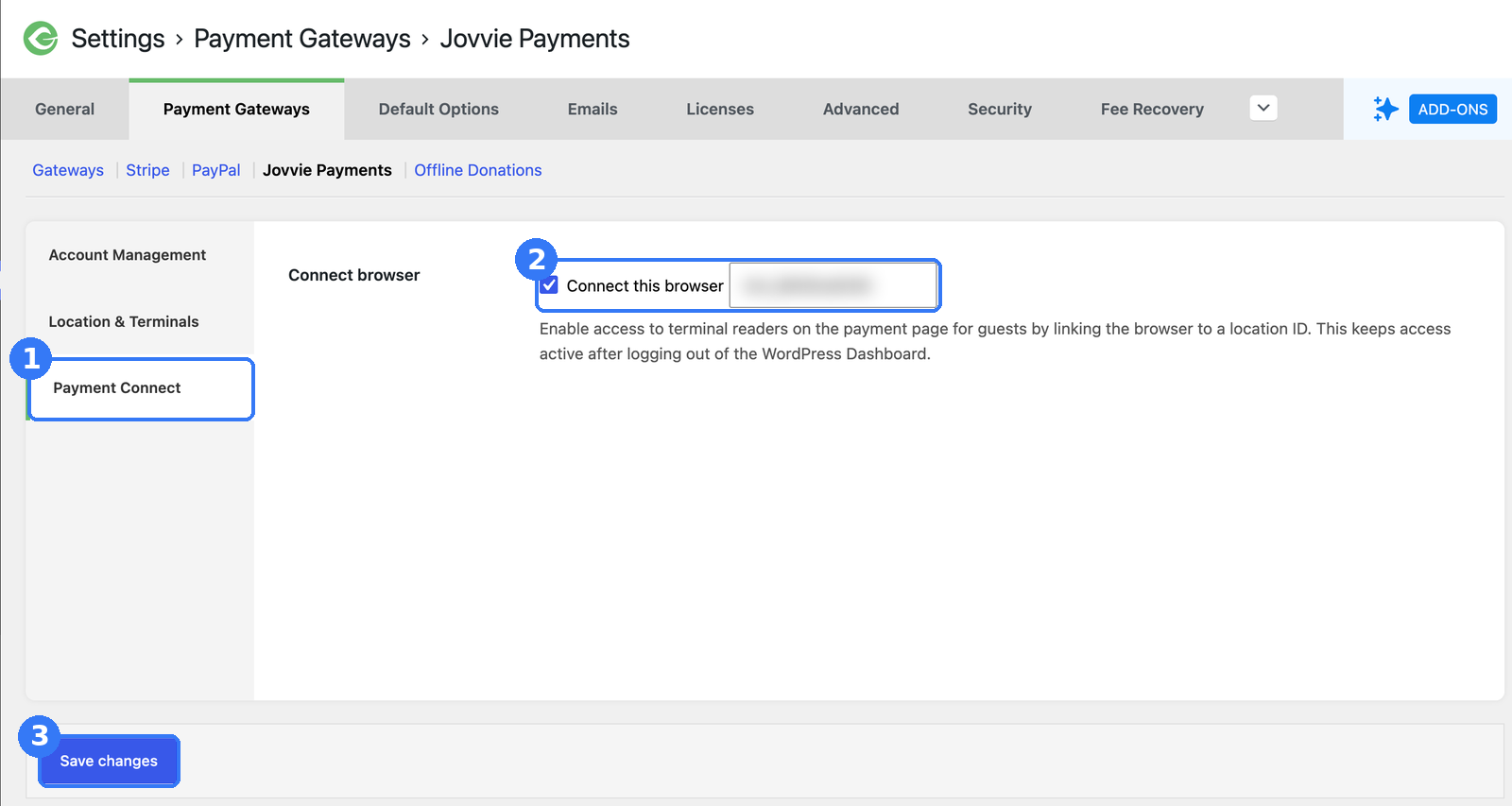
Four steps to your first in-person donation
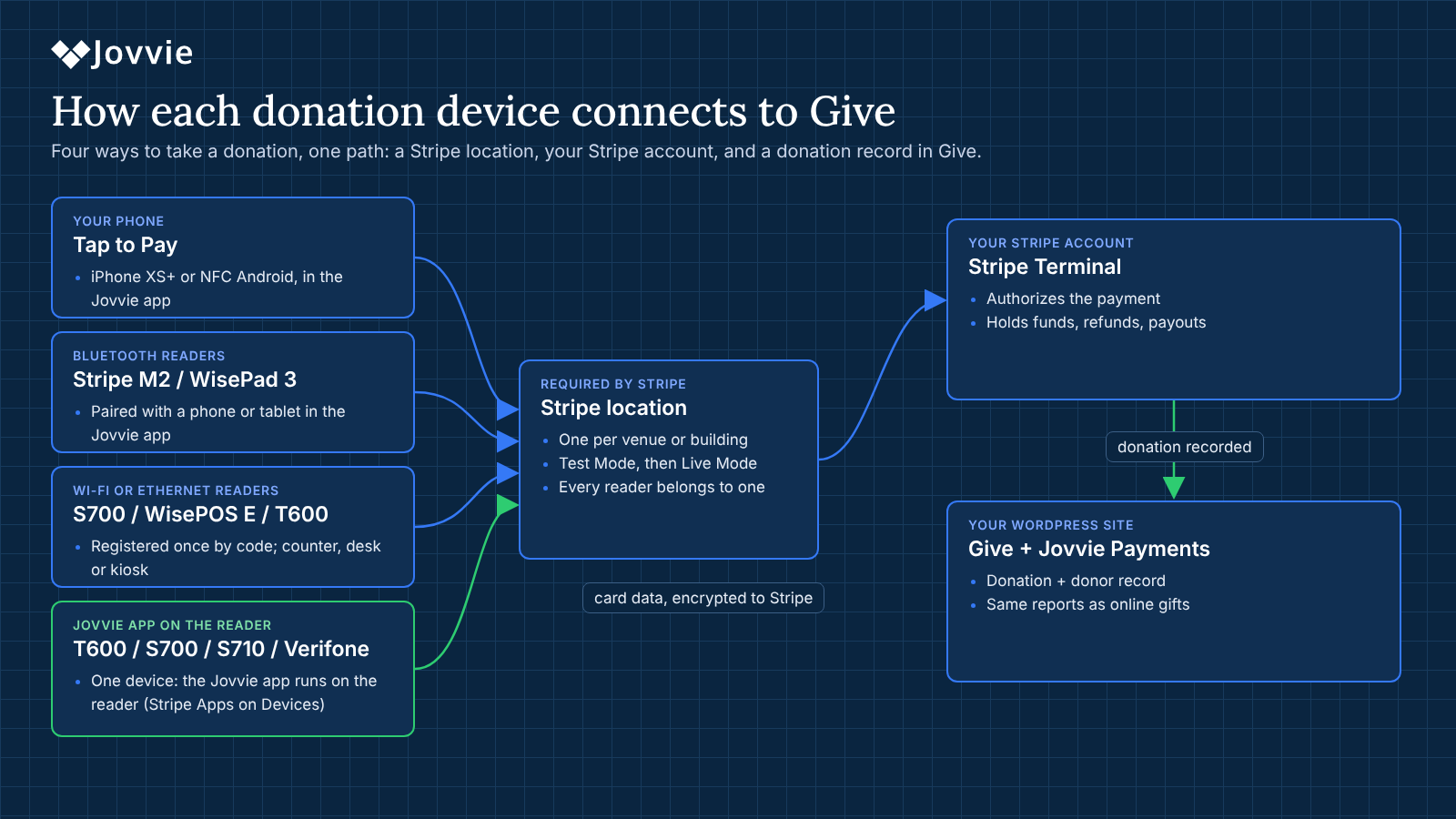
Start with the phones you have. Add readers where they help.
| Device | Hardware | Connects by | Best for |
|---|---|---|---|
| Tap to Pay | iPhone XS or later; NFC Android 13+ | Free Jovvie app, no reader | Volunteers in a crowd, walks, door to door |
| Bluetooth reader | Stripe Reader M2, BBPOS WisePad 3 | Paired in the Jovvie app | Gala tables, registration, chip and PIN |
| Countertop reader | Stripe Reader S700, BBPOS WisePOS E | Wi-Fi or Ethernet, one-time code; on the S700 the Jovvie app can run on the reader | Front desks, gift shops, welcome tables |
| Large-screen countertop | Stripe Reader T600 (8-inch screen) | Jovvie app runs on the reader, or Wi-Fi or Ethernet with a one-time code | Donor-facing counters, ticketing, pole-mounted stations |
| Verifone readers | Verifone P630, UX700, V660p, M425 | Jovvie app runs on the reader, or Wi-Fi or Ethernet with a one-time code | Larger venues and teams already standardized on Verifone |
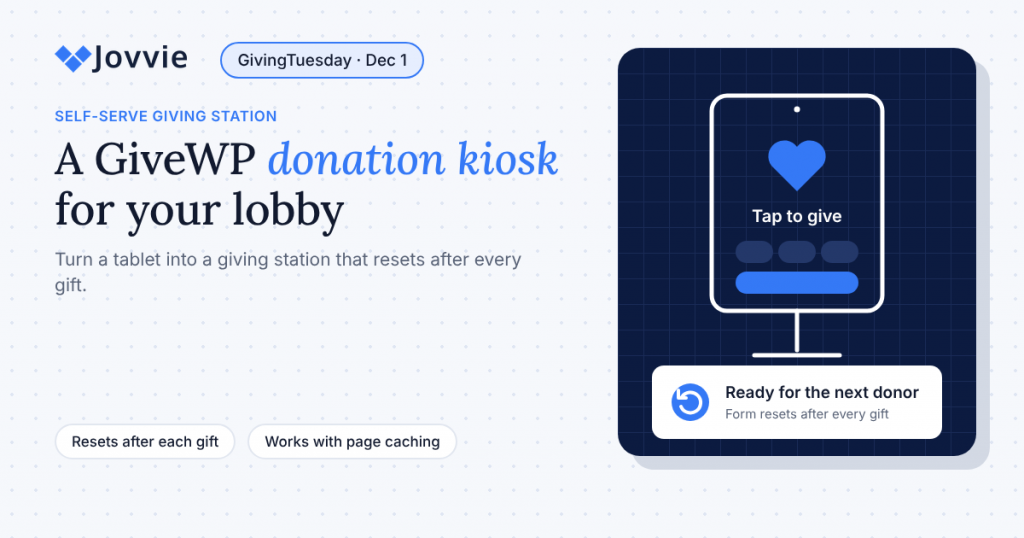
| Kiosk mode | Tablet on a stand, or the S700 | Form resets after each gift | Lobbies, museums, unattended stations |
One device, no extra phone or tablet. On the Stripe Reader T600, S700 and S710 and Verifone readers, the Jovvie app runs directly on the reader through Stripe’s Apps on Devices. Volunteers pick the Give form and take the donation on the same screen the donor taps.
Donors can tap Visa, Mastercard, American Express and Discover cards, Apple Pay and Google Pay. Reader availability varies by country, and Verifone readers are ordered through Stripe’s sales team; check Stripe’s reader list for yours. Compare readers in the nonprofit card reader guide.
Free to install. A small fee on in-person gifts only.
No monthly fees, contracts or per-reader charges. Online Give donations are unaffected.
What you get
Built for the way you raise money
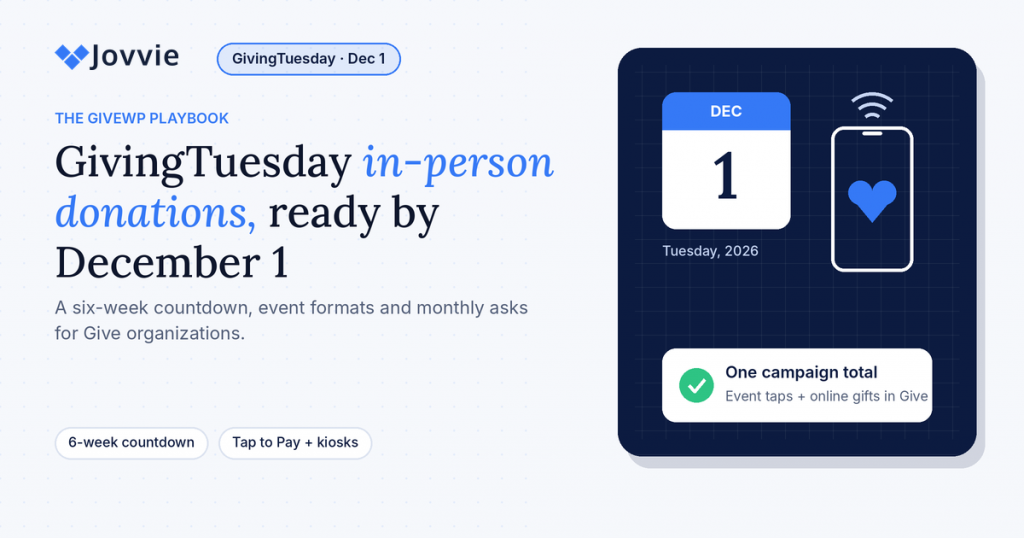 GivingTuesday playbookA six-week countdown to GivingTuesday
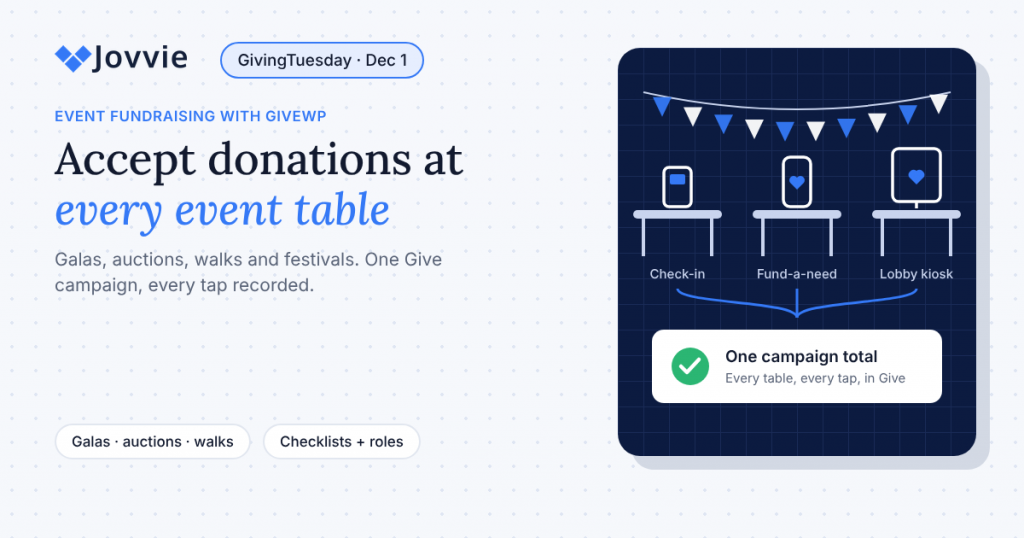 Events and galasStations, staffing and the paddle raise
Donation kioskA self-serve giving station for your lobby
Events and galasStations, staffing and the paddle raise
Donation kioskA self-serve giving station for your lobby
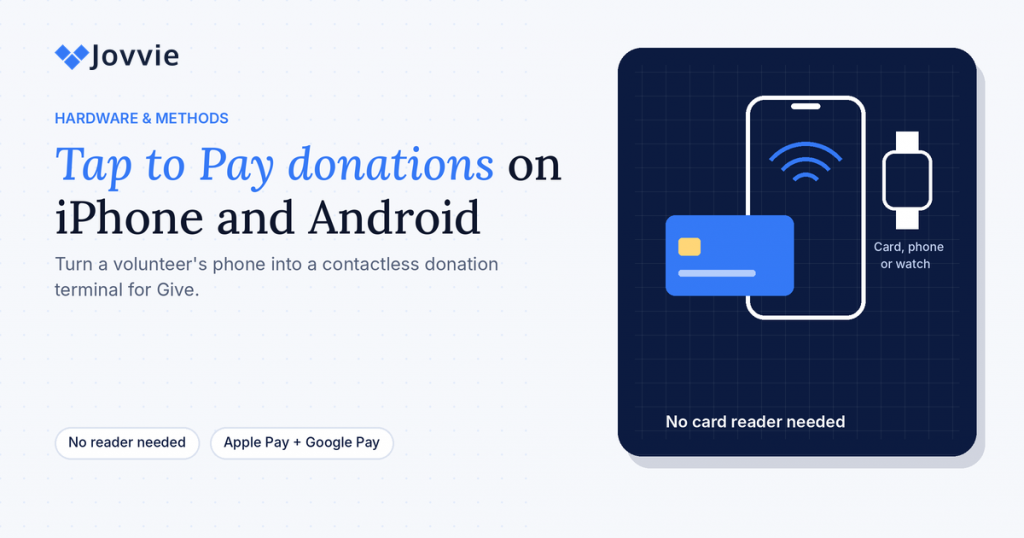 Tap to Pay on phonesDonations with no card reader
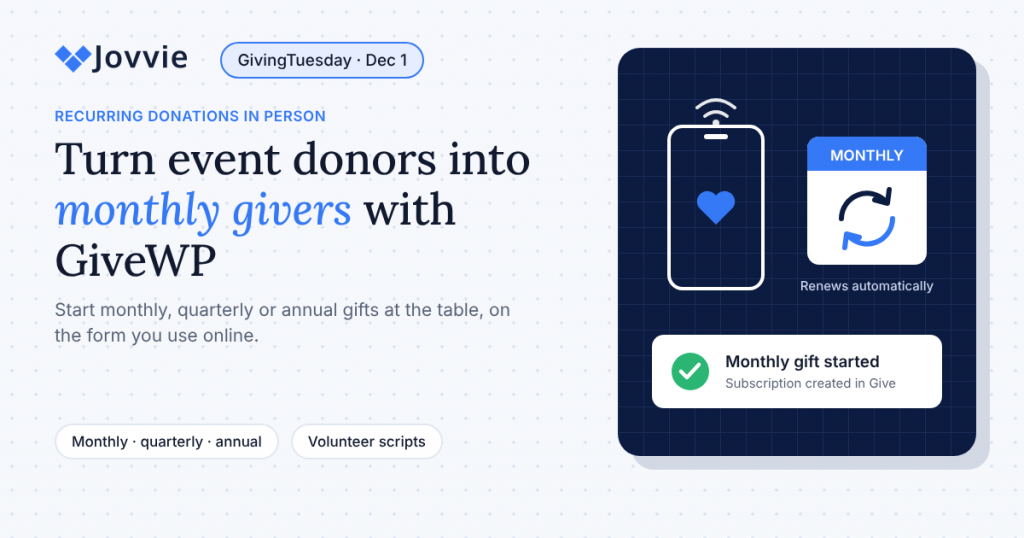 Monthly donors in personScripts, defaults and follow-up
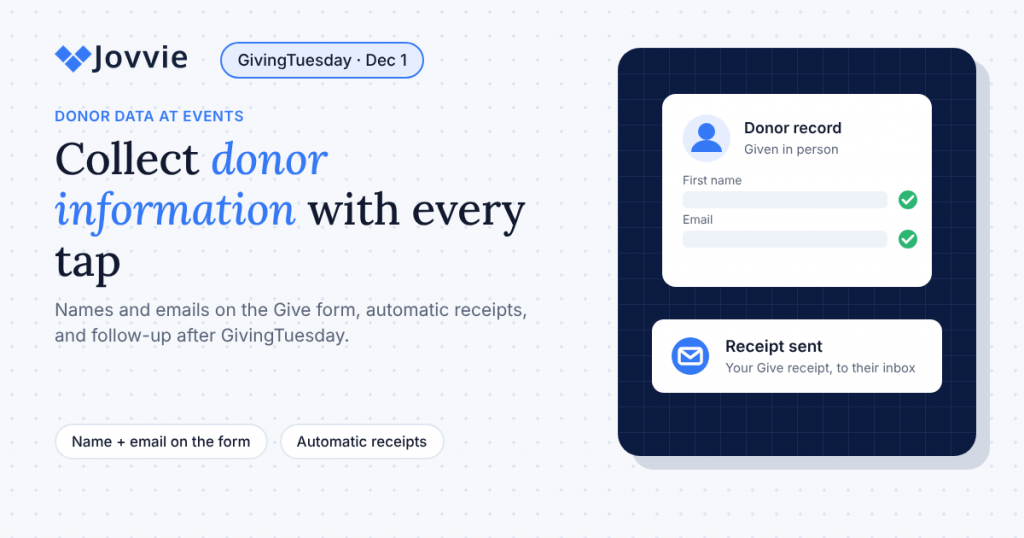 Capturing donor detailsEmails, receipts and year-end follow-up
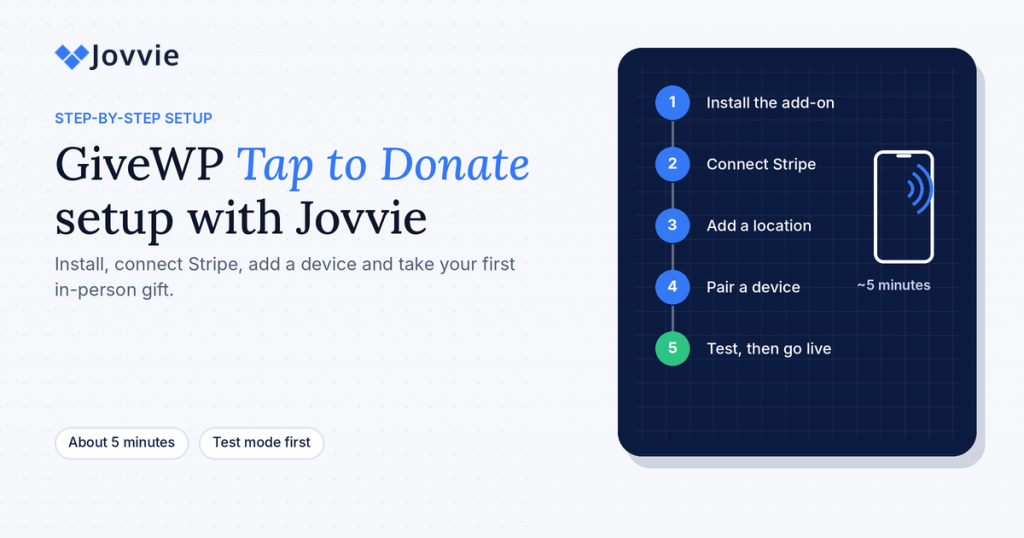 Step-by-step setupEvery screen from install to first gift
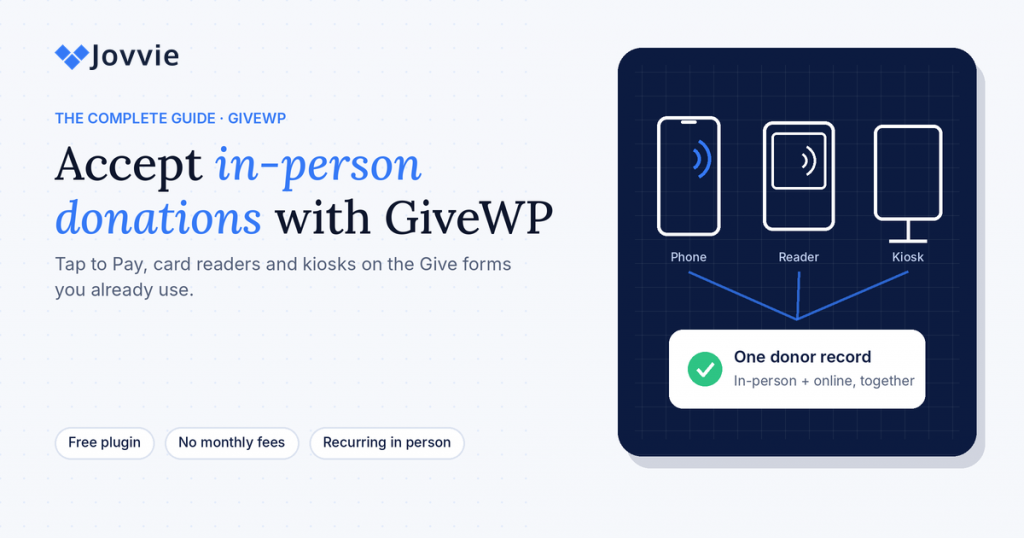 The complete guideEverything about in-person donations with GiveWP
What you need
- WordPress 4.4+ and PHP 8.0+
- Give (formerly GiveWP), the free plugin is enough; no paid Give plan required
- A Stripe account in a supported country
- Wi-Fi or mobile data on the donation device (there’s no offline mode)
40 countries
Available everywhere Stripe Terminal is: the US, Canada, Mexico, the UK, Ireland, Australia, New Zealand, Japan, Singapore, Hong Kong, Malaysia and 29 European countries. See Stripe’s current list.
Frequently asked questions
Can Give (GiveWP) take card payments in person?
Yes. Give is built for online donations. Tap To Donate for Give by Jovvie, a free add-on, adds in-person card payments to your Give forms with Tap to Pay, Stripe card readers or a kiosk.
How much does it cost?
The plugin and Jovvie account are free, with no monthly fees or contracts. A platform fee of 0.5% to 2% applies to in-person donations only, depending on your donation volume, in addition to Stripe’s processing rate.
Do I need a card reader?
No. Tap to Pay turns a supported iPhone or Android phone into a contactless terminal. Add a Stripe reader for chip and PIN, busy tables or a kiosk.
Do I need a separate phone or tablet with a smart reader?
No. On the Stripe Reader T600, S700 and S710 and Verifone readers, the Jovvie app runs directly on the reader through Stripe’s Apps on Devices, so one device takes the donation. You can also pair a reader with a phone, tablet or computer if you prefer.
Can donors start a monthly gift in person?
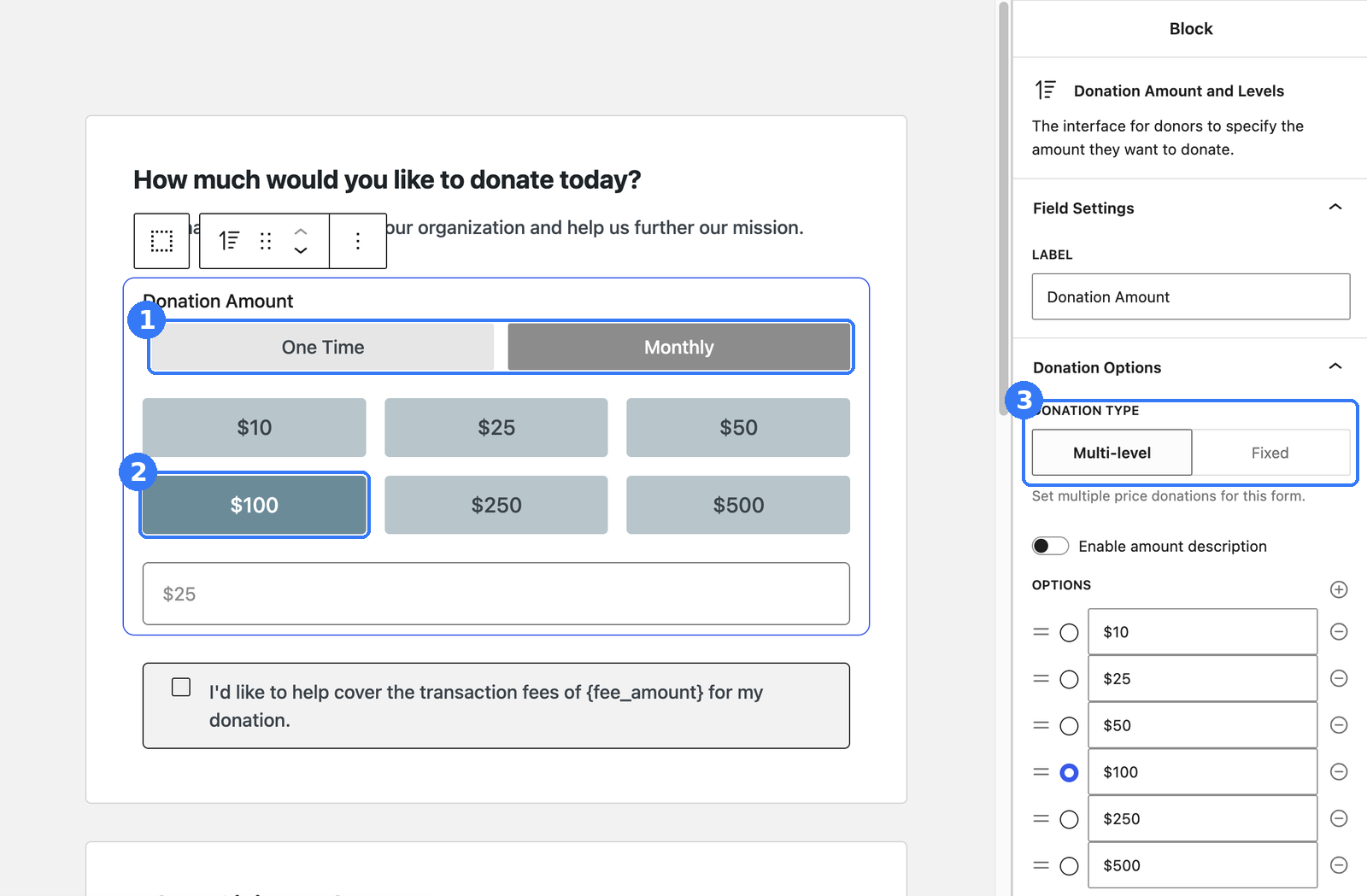
Yes. Monthly, quarterly and annual recurring donations are supported on in-person transactions, using the recurring options on your Give form.
Where do in-person donations show up?
In Give and in Stripe, next to your online donations, with the donor record intact. Campaign totals and receipts include them automatically.
Does it work without internet?
No. There’s no offline mode; the device needs Wi-Fi or mobile data so Stripe can authorize each donation.
How are in-person donations refunded?
From your Stripe dashboard, not from inside Give.
Which countries are supported?
Every country where Stripe Terminal is available, 40 as of October 2026.
Can I test before going live?
Yes. Register devices in Test Mode and use Stripe test cards. Test donations don’t move real money.
Last updated: November 4, 2026
Be ready for GivingTuesday.
Install the free plugin, connect Stripe and take your first in-person gift on the Give forms you already have.
Tap To Donate is part of Jovvie Checkout, which also brings in-person payments to WooCommerce, Gravity Forms and Event Tickets.