In an ideal world, running a coffee shop would be all about connecting with your community over a perfectly-brewed cup of java. However, in reality, you need to juggle multiple tasks, such as fulfilling orders promptly, providing excellent customer service, and managing complex finances.
The good news is your daily grind could become much more manageable with a Point of Sale (POS) system, designed specifically to address these challenges.
A coffee shop POS (Point of Sale) system is the operational brain of your business, acting as the central hub where customer orders, inventory tracking, and payment processing converge.
In this article, we’ll introduce you to Jovvie POS, a solution that helps you streamline operations, cut costs, and enhance the overall customer experience through its device flexibility, dynamic live inventory, and native WooCommerce integration.
While Jovvie offers a comprehensive solution, it’s also wise to explore other options to find the perfect match for your business needs. To help you make an informed decision, we’ll compare the top six POS systems for coffee shops, highlighting their unique features, benefits, and potential drawbacks. Let’s start!
How the top coffee shop POS systems compare
| Feature | Jovvie POS | Lightspeed | Square | Toast | TouchBistro | Dripos |
|---|---|---|---|---|---|---|
| Speed | Easy to use, quick setup, self-checkout. | Efficient drink modifiers integrate with delivery apps. | User-friendly, offers easy and quick menu updates. | Self-checkout, easy to set up. | Quick Service Restaurant (QSR) system, quick order-taking. | All-in-one coffee-specific workflow. |
| Customer experience | Ability to leave tips and notes, multi-language support for foreign customers, table service support, and discount coupons. | Supports table service and loyalty programs. | Personalized email marketing, easy drink customization. | Loyalty program, charity donations at checkout, custom deals. | Customizable menus, loyalty programs, ability to track customer preferences. | Built-in loyalty, mobile app, and SMS marketing. |
| Payments | Stripe partnership: Supports all major cards, Apple Pay, Google Pay, PayPal, Gift Cards, and Quick Response (QR) payments. | Accepts all major cards, Apple Pay, and Google Pay. | Accepts cards, cash, Square gift cards, and loyalty points. | Supports cards, gift cards, prepaid cards, and offers Toast Mobile Order & Pay™, which allows guests to scan a QR code to order and pay from their device. | Accepts cash, credit, debit, and digital wallets; supports bill-splitting. | Supports all major credit cards and mobile wallets |
| Price | 30-day free trial, $29/month. | No free trial, $89/month. | Free version available, $49/month. | Free version available, starts at $69/month. | No free trial, starts from $69/month. | No free trial; starts from $160/month. |
As you can see, each POS system has its distinct advantages, so let’s break them down individually to see which one is the perfect fit for you:
1. Jovvie
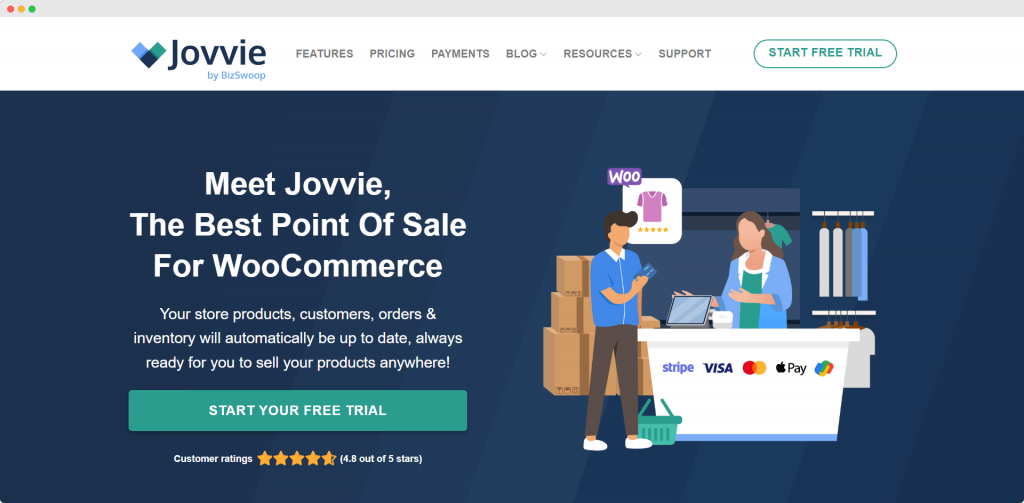
Best for: Independent cafés and multi-location shops looking for deep WooCommerce integration and inventory 1:1 syncing.
Jovvie by BizSwoop is a versatile POS system catering to businesses that operate online and in-person. It natively integrates with WooCommerce, so users can access multiple WooCommerce integrations and extensions that help add extra functionality. If your coffee shop uses Jovvie POS, this functionality also extends to in-person sales.
By utilizing a WooCommerce POS integration, you ensure that your café stays connected to your digital storefront in real-time.
With its extensive features and integrations, Jovvie POS is the perfect solution for coffee shops looking to accelerate their operations and personalize customer experiences.
The Best Point of Sale
for WooCommerce
Your products, customers, orders & inventory automatically synced, always ready for you to sell your products anywhere!
Key features:
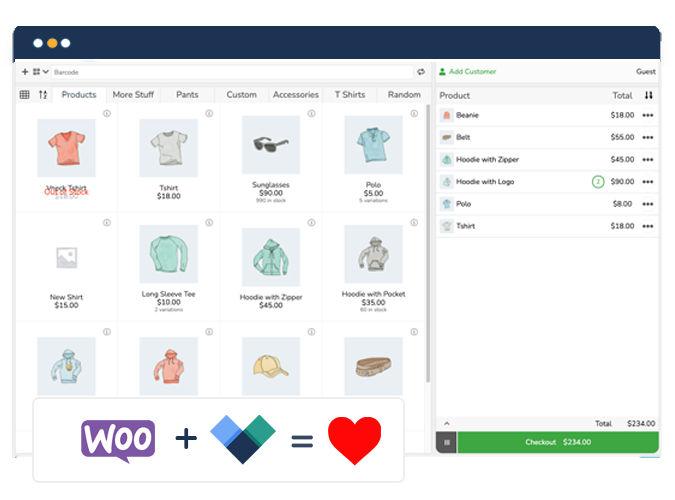
- Multi-location management: Jovvie POS syncs inventory, orders, and products across multiple coffee shop locations through its native WooCommerce inventory sync.
- Dynamic live inventory: Jovvie POS offers easy synchronization of products and settings across online and physical stores, ensuring real-time accuracy and preventing overselling.
- Self-checkout kiosk mode: You can improve in-store payment speed and provide a smoother ordering experience by allowing customers to order via a dedicated kiosk.
- Comprehensive product add-ons: Jovvie POS supports complex drink modifiers through Product Manager Add-ons, allowing for options like milk alternatives (oat, soy, almond), syrup flavors, and extra espresso shots.
- Unified loyalty and rewards: Jovvie POS manages customer loyalty through integrated coupon and discount management, unified customer profiles, and automated customer notifications.
- Multilingual support: Jovvie POS supports 36 different languages, making it ideal for coffee shops located in high-traffic tourist areas.
- Flexible payment gateways: As an official Stripe partner, Jovvie POS supports major credit cards, Apple Pay, and Google Pay, but also works with all WooCommerce-compatible payment gateways.
Trial and pricing: Jovvie POS offers a generous 30-day free trial. Pricing starts at $29/month. Hardware costs are flexible, as Jovvie runs on existing tablets, phones, or computers, often requiring only a barcode scanner or card reader for a full setup.
Get started with Jovvie POS for free today
2. Lightspeed
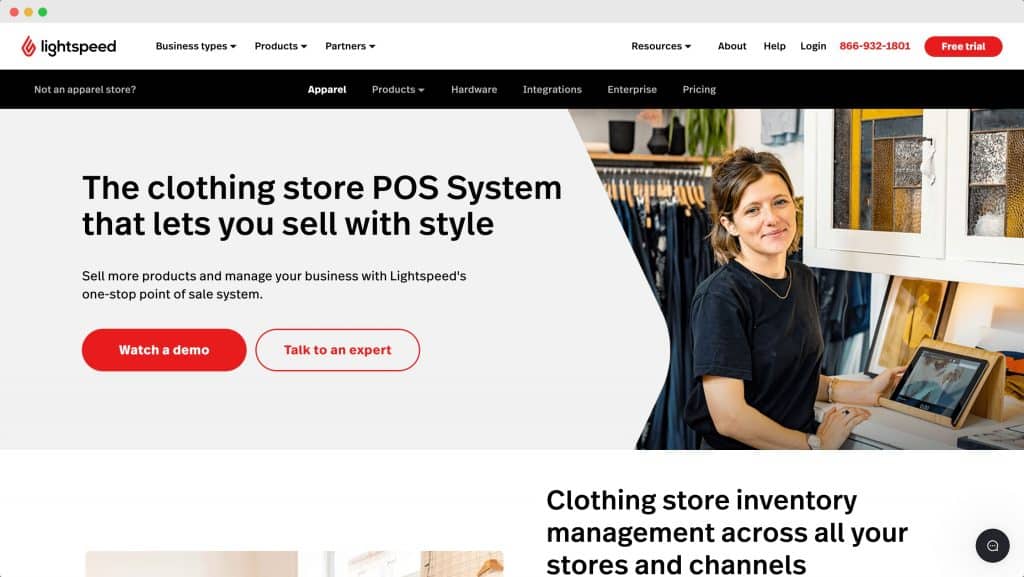
Best for: High-volume cafés that need advanced drink modifier workflows and delivery app management.
Lightspeed is a cloud-based POS system offering a range of features tailored for coffee shops, such as efficient drink modifiers, direct integration with popular delivery services, and support for table service.
Key features:
- Pre-programmed prompts: Lightspeed’s cafe POS system lets you pre-programme prompts on screen for modifiers like milk type and size to minimize errors.
- Real-time sales reporting: Track sales trends and identify bestsellers to make informed inventory decisions.
- Employee management: Set specific permissions for employees based on their assigned location.
Trial and pricing: Lightspeed does not offer a free trial. Its basic plan starts at $89 per month.
3. Square
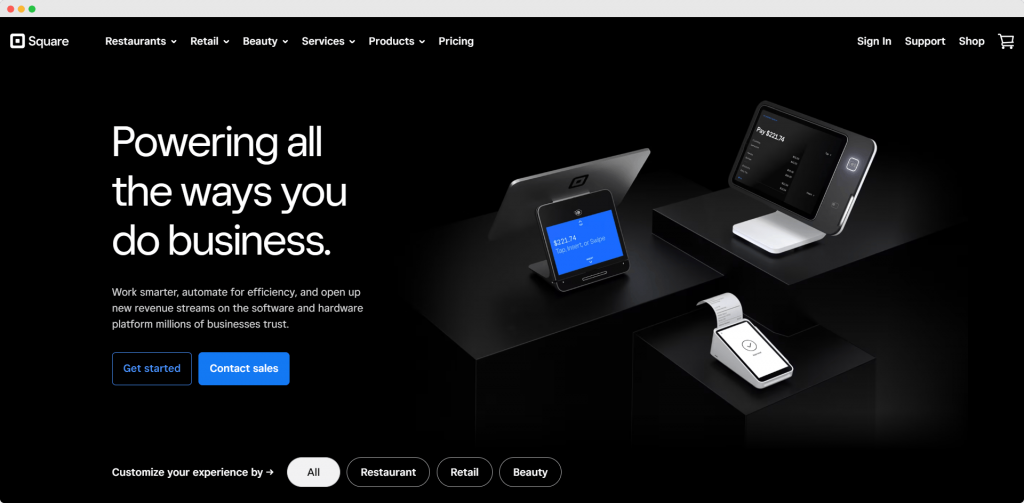
Best for: New coffee shops or pop-ups looking for a low-entry cost and intuitive interface.
Square’s POS system is a cloud-based, user-friendly solution that allows businesses to manage sales, track inventory, collect payments, and more, with features such as online ordering, appointment scheduling, and integration with other Square tools.
Key features:
- Integrated online ordering: Square allows cafes to design a website for online ordering and fulfillment.
- Gift cards and loyalty: Built-in tools to reward customers and encourage repeat business.
- Coursing: Helps manage the flow of orders between the counter and the kitchen staff.
Trial and pricing: Square provides a free version with limited features. Paid plans start at $49 per month.
4. Toast
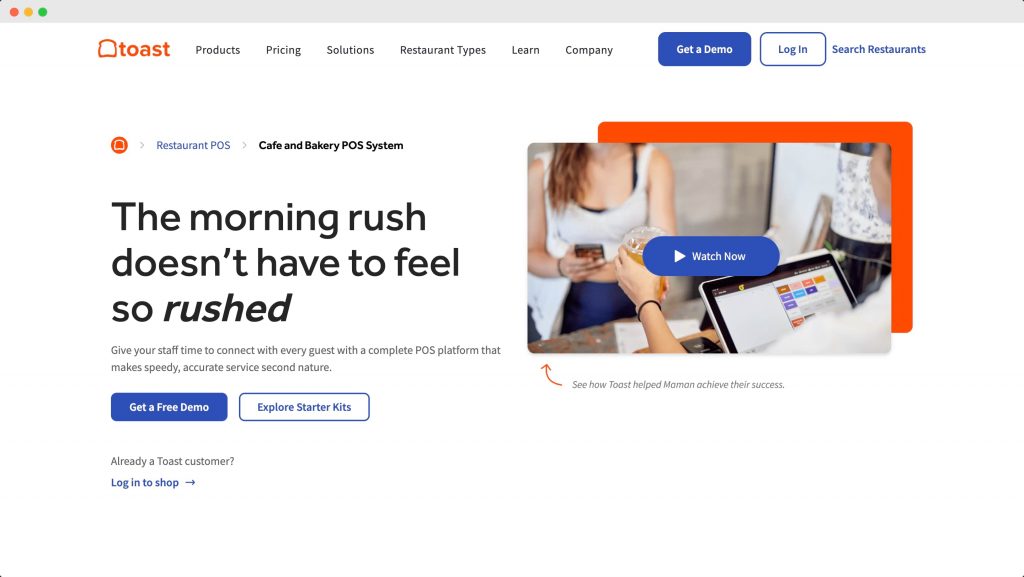
Best for: Larger coffee shops or bakeries that require robust kitchen display systems and order-ready boards.
Toast is a cloud-based POS system for restaurants, cafes, and bakeries. It offers a range of features tailored to the unique needs of coffee shops, such as intuitive order management, mobile orders and payments, and loyalty programs.
Key features:
- Order-ready boards: Share order status on a customer-facing screen to reduce confusion.
- Customizable menu management: Modify your menu across all locations in real-time.
- Streamlined catering: Simplifies the process of managing large-scale catering orders.
Trial and pricing: Toast offers a free version with limited functions. Paid POS plans start at $69 per month.
5. TouchBistro
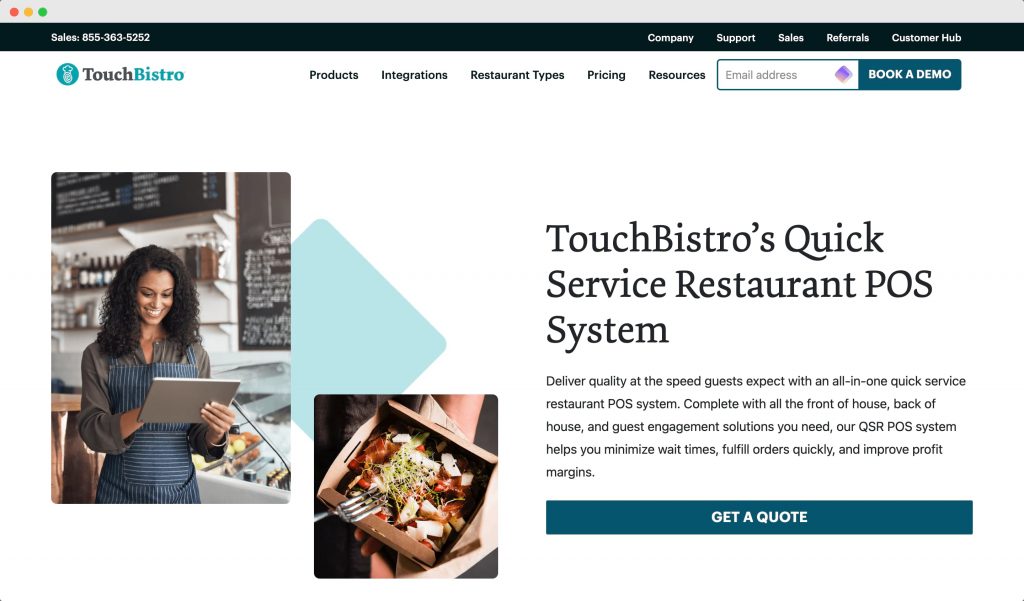
Best for: Full-service cafes that offer a mix of counter service and sit-down table service.
TouchBistro is a POS and restaurant management system that’s optimized to efficiently handle high volumes of orders from multiple channels, including dine-in, takeout, and delivery.
Key features:
- Profit retention: Accept takeout and delivery orders online while keeping 100% of the profits.
- Hardware integration: Connects directly with kitchen hardware for faster preparation.
- Upselling prompts: Reminds servers to suggest relevant add-ons during the ordering process.
Trial and pricing: TouchBistro does not offer a free trial. Prices start at $69 per month.
6. Dripos
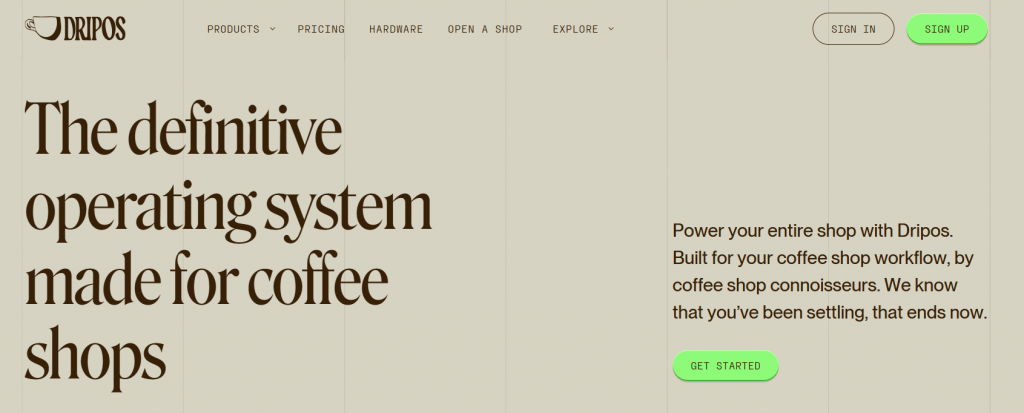
Best for: “Coffee-first” businesses that want a system built exclusively for the specialty coffee industry.
Dripos is an all-in-one “coffee shop in a box” that replaces multiple tools by combining POS, employee scheduling, and payroll into one platform.
Key features:
- Coffee-specific workflow: Built-in tools for managing “pay-ahead” workflows and barista-specific tasks.
- Integrated marketing: Automated SMS and email tools to drive repeat visits.
- Hardware packages: Both offer specialized hardware designed for small counter spaces.
Trial and pricing: Dripos has no free version, with the core product available for $160per month.
6. Worthy of mention: Joe Coffee
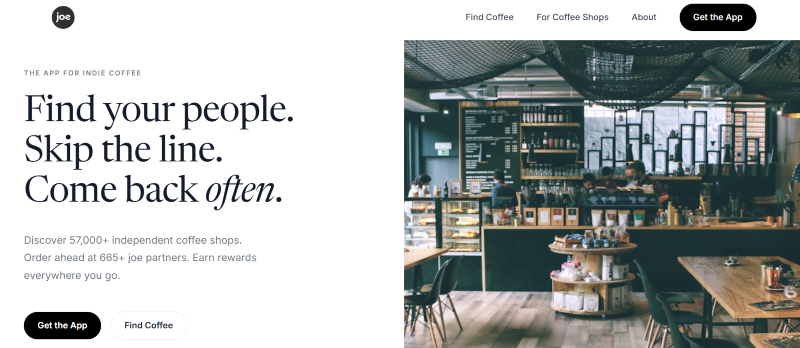
Joe Coffee is another choice that warrants a mention alongside Dripos due to its focus on the specialty coffee community.
While many systems try to serve every retail niche, Joe Coffee is built specifically to help local cafés compete with giants like Starbucks. It excels in mobile ordering and automated loyalty rewards, making it a useful ally for shops looking to increase their daily volume through a dedicated, coffee-centric app ecosystem.
Joe Coffee operates on a no-subscription, performance-based model, charging a flat 2.6% + $0.10 transaction fee while capping loyalty marketing costs at 5% of influenced sales.
Which type of coffee shop is Jovvie POS right for?
Choosing a POS is about matching a solution to your specific business model. Here’s how Jovvie POS fits different café types:
- Independent cafés: Ideal for those who want total control over their branding and data without expensive monthly SaaS fees.
- Small chains/multi-location: Perfect for owners who need to manage inventory and menus across 2-10 locations from a single WooCommerce dashboard.
- Tourist-area cafés: The 36-language support makes Jovvie the best choice for inclusive service in international hubs.
Mobile/market stalls: Jovvie runs on tablets and mobile devices, making it great for pop-ups. However, note that Jovvie requires an active internet connection to sync with WooCommerce. If your stall operates in a “dead zone” without 5G or Wi-Fi, a system with a dedicated offline mode may be required.
Start your journey with Jovvie now: Transform your café into a smart business
Choosing the right POS system is crucial for coffee shop owners who want to streamline operations, Choosing the right POS system will help coffee shop owners improve operations, manage payments efficiently, and enhance customer interactions. At Jovvie, we understand the importance of this decision and have designed our POS system to meet all the unique needs of modern coffee shops.
Jovvie POS offers a range of features that will elevate your café’s experience. From self-checkout options that reduce wait times to deep WooCommerce restaurant POS functionality for complex menus, it is built to grow with your business.
Ready to take the next step in transforming your café into a smart business? Download Jovvie today and see how it can help drive your business forward.
The Best Point of Sale
for WooCommerce
Your products, customers, orders & inventory automatically synced, always ready for you to sell your products anywhere!
