
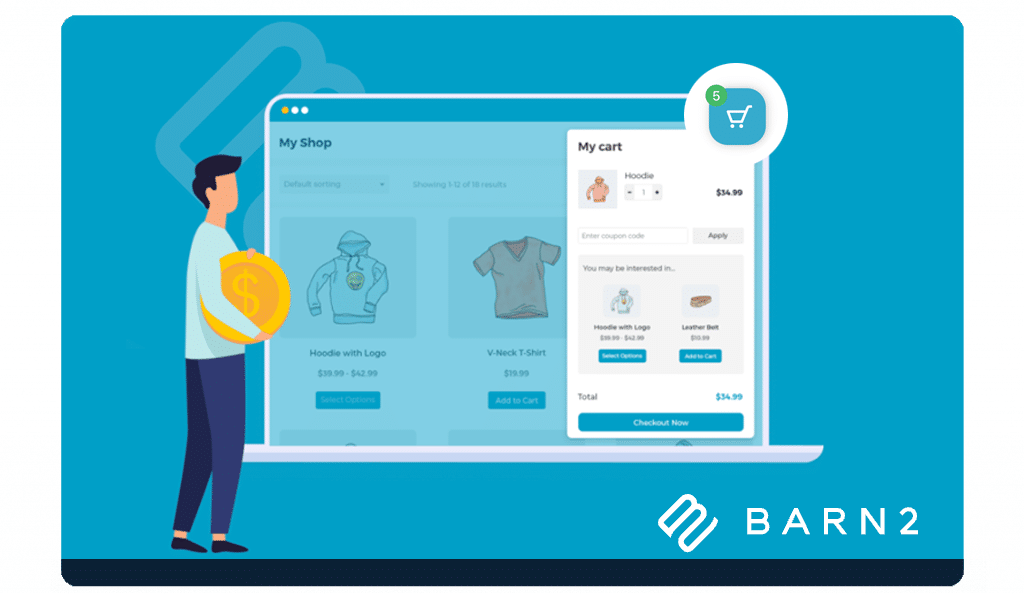

Jovvie Checkout
In-Person Payments Meets Barn2 Fast Cart.
Jovvie payment solution designed to run directly with Barn2 Fast Cart. No POS plugins. No syncing. No learning curve. Whether you’re at a market, a pop-up, or just need to sell in person—Checkout brings the full power of your online store with Fast Cart wherever you go.
Why Use Jovvie with Barn2 Fast Cart?
Full Compatibility with Fast Cart Checkout
Keep your checkout flow, plugins, themes, and customizations.
Tap to Pay with iPhone & Android
Accept contactless payments using your phone or tablet. No card reader needed.
Runs on any device
Phone. Tablet. Laptop. Browser. If it can open a web page, it can be your POS.
No extra POS system
No new setup, no register, no learning curve.
It’s just WooCommerce
It’s simple. Seamless. And seriously powerful.
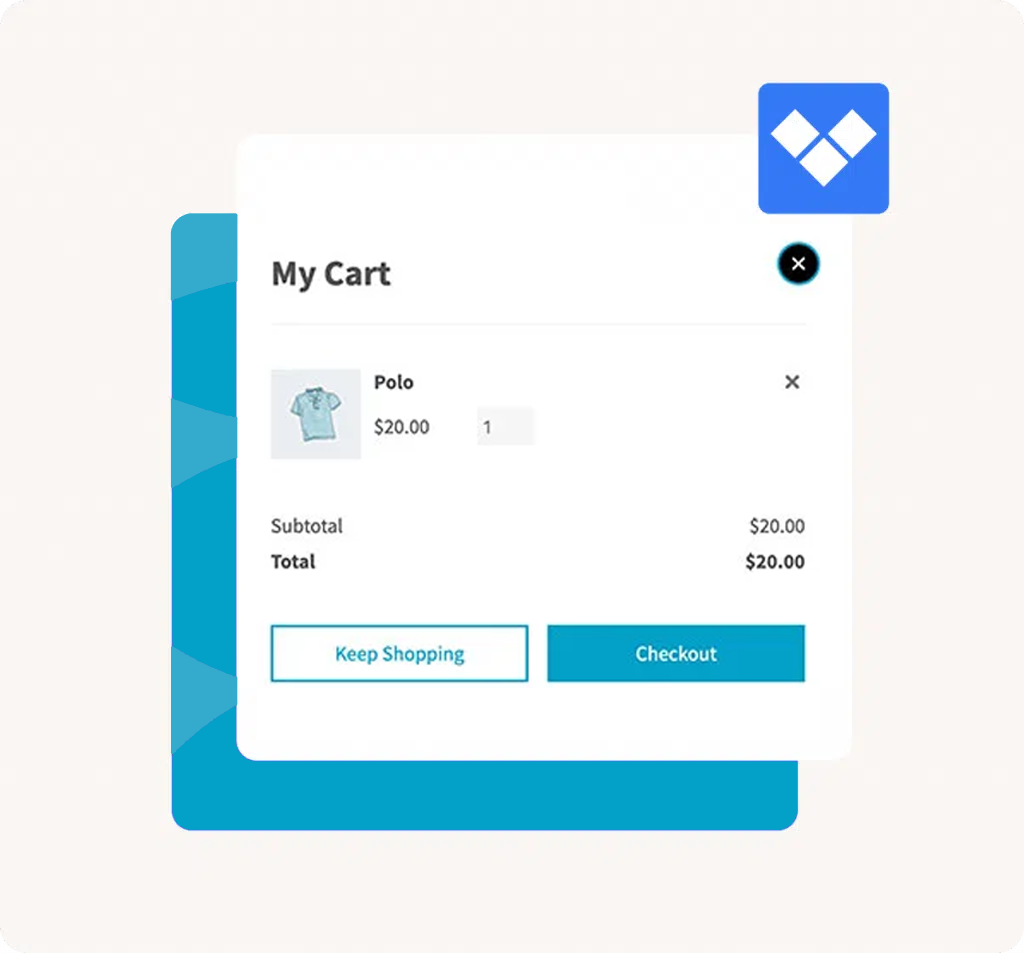
How Jovvie and Fast Cart Work Together
- Install and enable Barn2 Fast Cart and Jovvie Checkout. Select Jovvie as a payment method.
- Add items to the cart and open Fast Cart to display your checkout in the popup.
- On a supported iPhone, use Tap to Pay to accept a contactless card or wallet. The payment sheet appears on the device. The order is created in WooCommerce and everything stays in sync.
When to use Jovvie Checkout?
Markets, pop-ups, trade shows, and festivals
In-store pickup lines and curbside handoff
?On-site services and appointments
Ready to get started? fill out the form below and follow the setup steps to enable Tap to Pay inside your Fast Cart flow.