
Yes, donors can start GiveWP recurring donations in person. Set up monthly, quarterly or annual gifts at events, with volunteer scripts and follow-up steps.
Category Archives: In-Person Donations
GiveWP, Hardware and Methods, In-Person Donations
Tap to Pay Donations on iPhone and Android: Accept Gifts with No Card Reader
09
Oct
Oct
Accept tap to pay donations on an iPhone or Android phone with no card reader: device requirements, what donors can tap, GiveWP setup with Jovvie, and costs.
Fundraising Use Cases, GiveWP, In-Person Donations
GivingTuesday In-Person Donations: The GiveWP Playbook for December 1
09
Oct
Oct
Take GivingTuesday in-person donations on December 1 with GiveWP: a 6-week countdown, event formats, Tap to Pay and kiosk setups, monthly asks and follow-up.
09
Oct
Oct
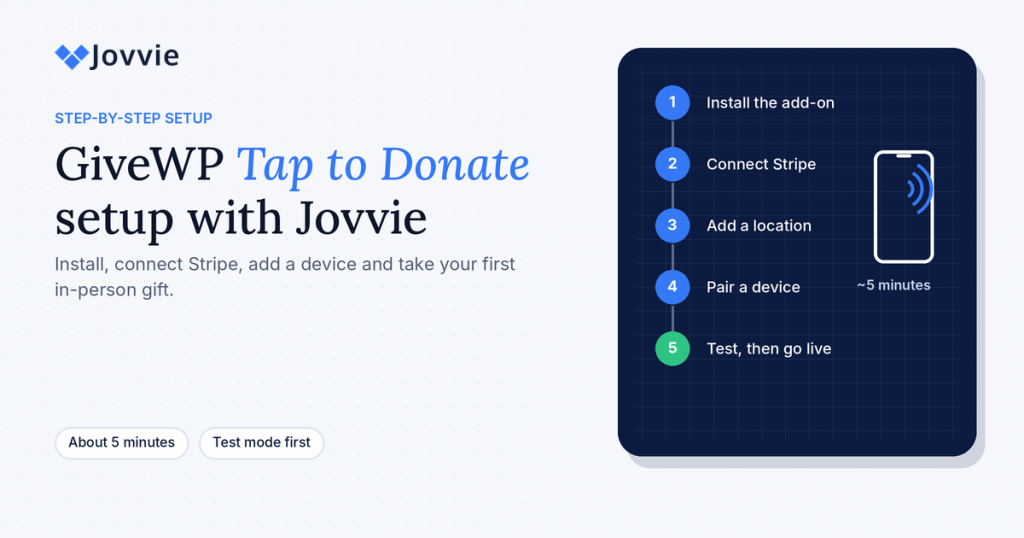
Set up GiveWP Tap to Donate in about five minutes: install Jovvie, connect Stripe, register a reader or Tap to Pay phone, test, and take your first donation.
GiveWP, GiveWP In-Person, In-Person Donations
How to Accept In-Person Donations with GiveWP: The Complete Guide
09
Oct
Oct
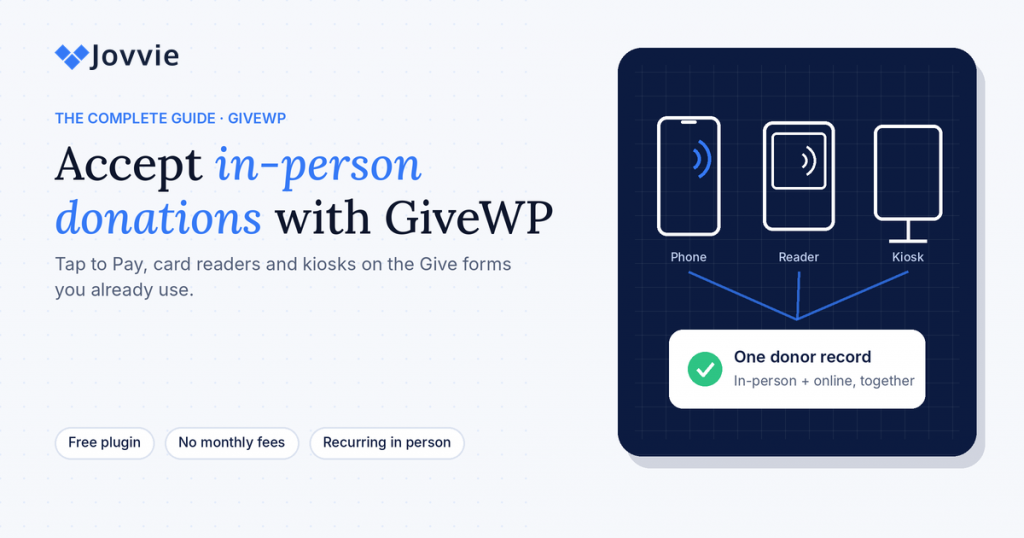
How to accept in-person donations with GiveWP: Tap to Pay, Stripe card readers and kiosk mode on the Give forms you already use, with costs, setup and FAQs.
GiveWP, GiveWP In-Person, In-Person Donations
GiveWP Offline Donations Explained (And How to Actually Charge a Card in Person)
07
Aug
Aug
What GiveWP offline donations actually record, why they can’t charge a card, and how to take real card donations in person at events, galas and kiosks.

16
Sep
Sep
Remember the last time you fumbled for cash or a checkbook during the offering? Those days might soon be behind you. Churches nationwide are embracing a new way to collect donations: giving kiosks. These interactive screens are popping up in church lobbies and fellowship halls, offering members a convenient way to support their faith community. […]

12
Sep
Sep
Contactless donations let supporters give by tapping a card, phone or watch instead of using cash. Nonprofits have three practical options: Tap to Pay on an iPhone or Android phone (no card reader needed), a Stripe card reader at a staffed table, or a self-serve kiosk. Whichever you choose, the device needs Wi-Fi or mobile […]

10
Sep
Sep
A donation kiosk is a tablet or terminal that lets donors give by card or phone without staff help. If your organization already uses Give (formerly GiveWP), Tap To Donate for Give by Jovvie adds a kiosk mode to your existing donation form: the form resets after each gift, and every donation lands in the […]
- 1
- 2